Bank staff web app · 2026
What to offer and what to fix, right in the client card
Activities and personal offers in the bank’s staff web app, where branch and contact-centre staff serve clients and open products.
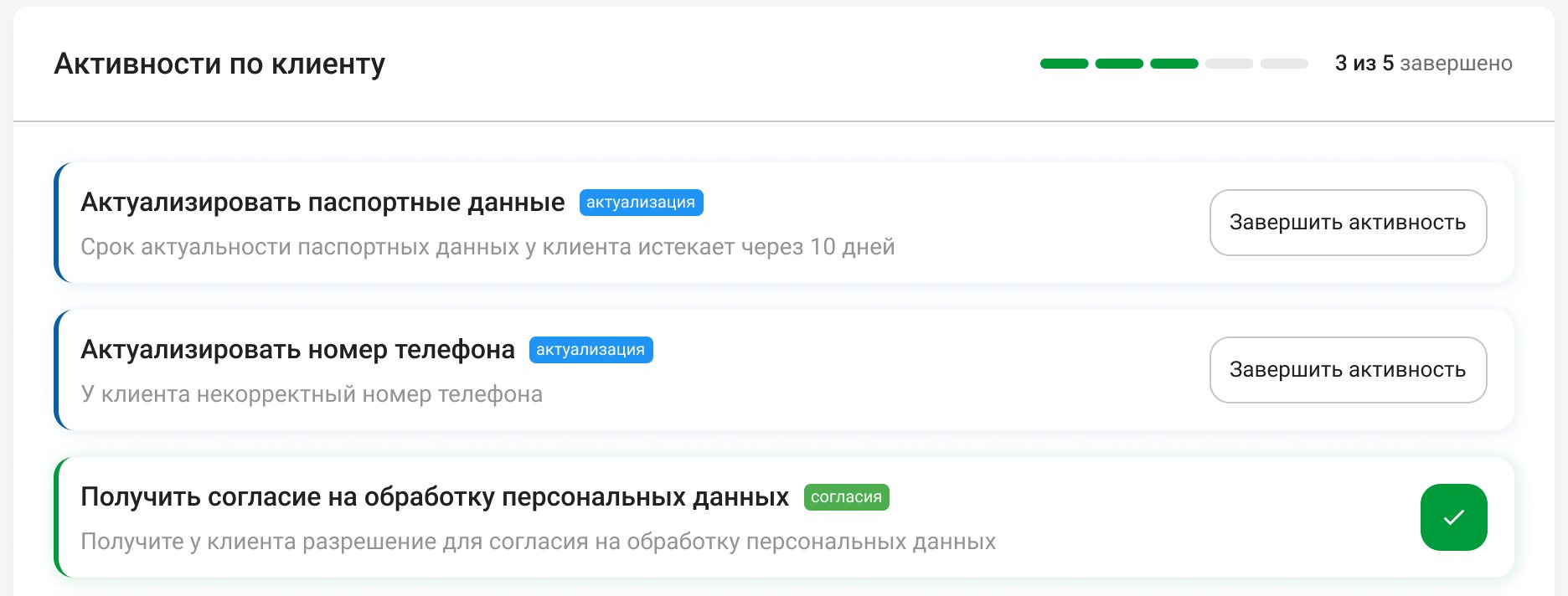
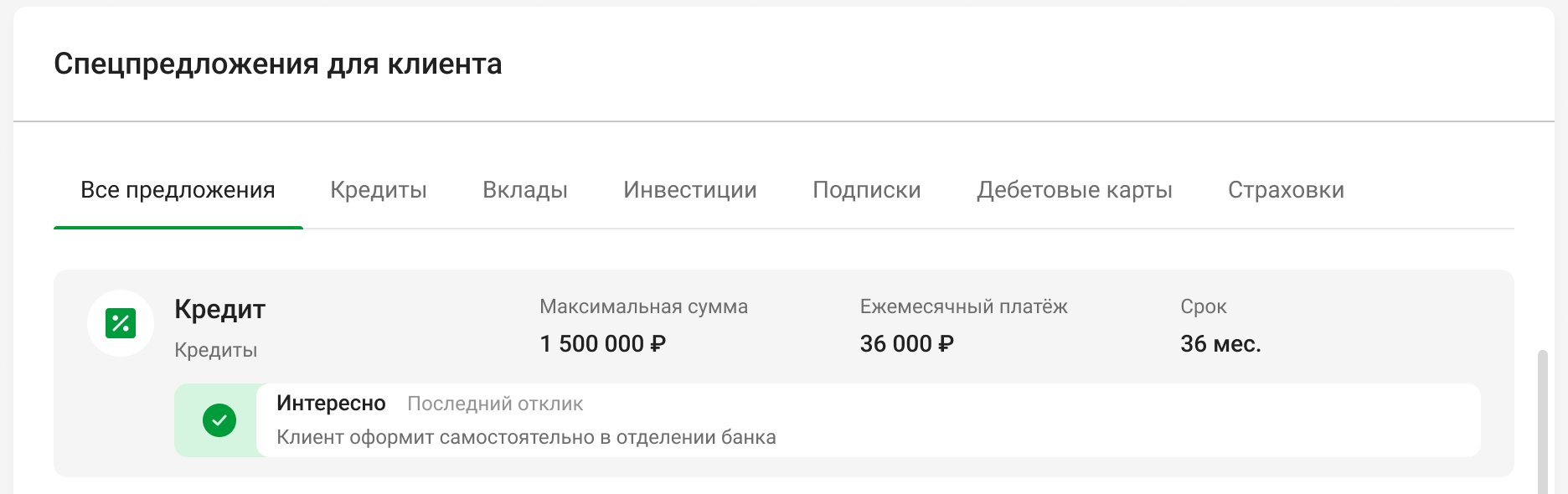
- Task
- A client spends a few minutes with an employee and usually comes for one product. The employee had no single place to see what else to offer and what to fix in the client’s data.
- What I did
- Designed two blocks on the main page of the client card: activities, a checklist of data and service tasks, and offers, pre-approved products grouped by category. Both come with a full set of states, a feedback loop with “Interested”, “Not interested” and a response history, and a completion animation.
- Result
- Live in branches since spring 2026. One client card holds ten types of tasks and offers from six product lines, with every state drawn, from loading to “all done”. Offer-to-application conversion grew from 2.1% to 3.4% in three months.
Context
- Business
- The bank wants every visit and call to work for sales and for data quality. Pre-approved offers have their own application type in the app.
- People
- Branch and contact-centre staff with a queue behind the client. They need the next step at a glance, without opening other systems.
- Constraints
- Activities come from the bank’s marketing platform: twelve types of non-credit tasks, from updating a passport, a tax ID or a phone number to consents, push notifications and access to the state services portal. A finished activity stays “Done” until its due date and then moves to the archive, so the block has to show finished work, not only open tasks. The number of offers per client is unpredictable.
My role
I was the only designer on both blocks and took them end to end: the structure, the states, the offer card component, the copy and the completion animation. The product owner set the goals, an analyst owned the data contract with the marketing platform, and two front-end developers built it.
Key decisions
Activities are a checklist with a finish line, not banners
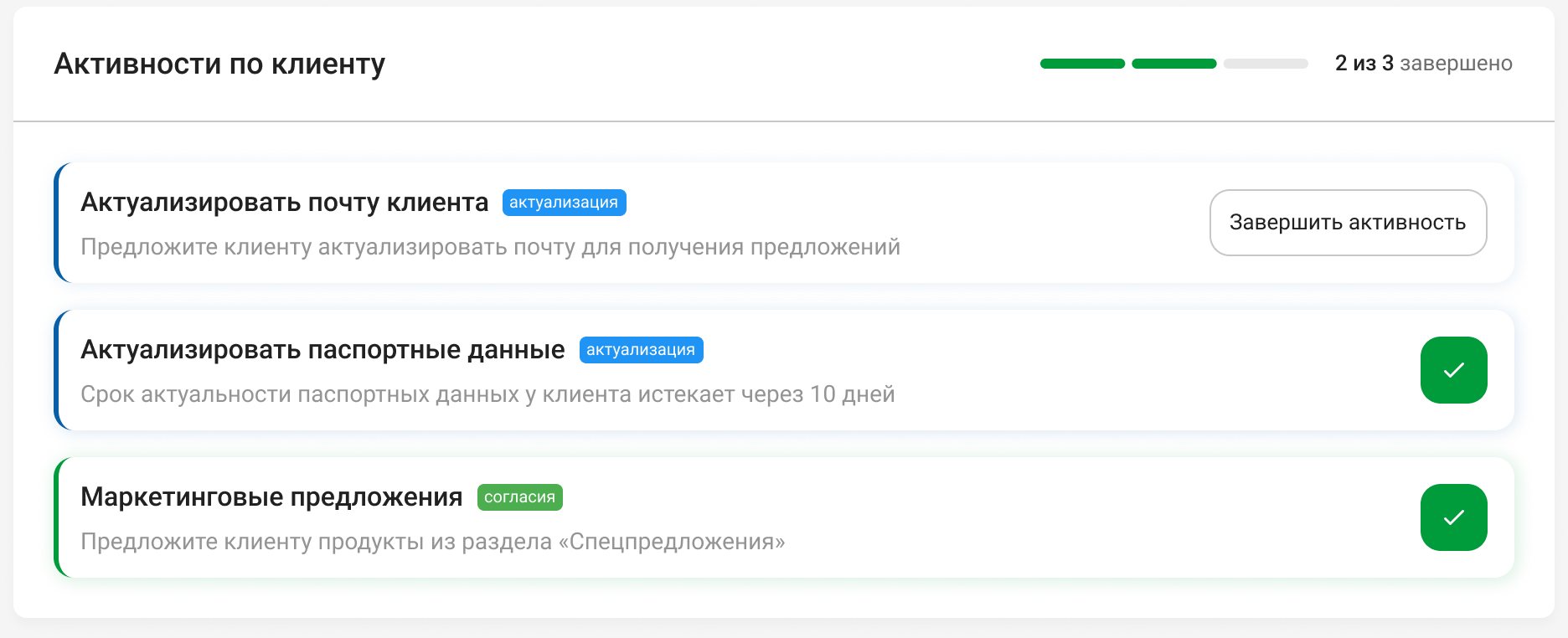
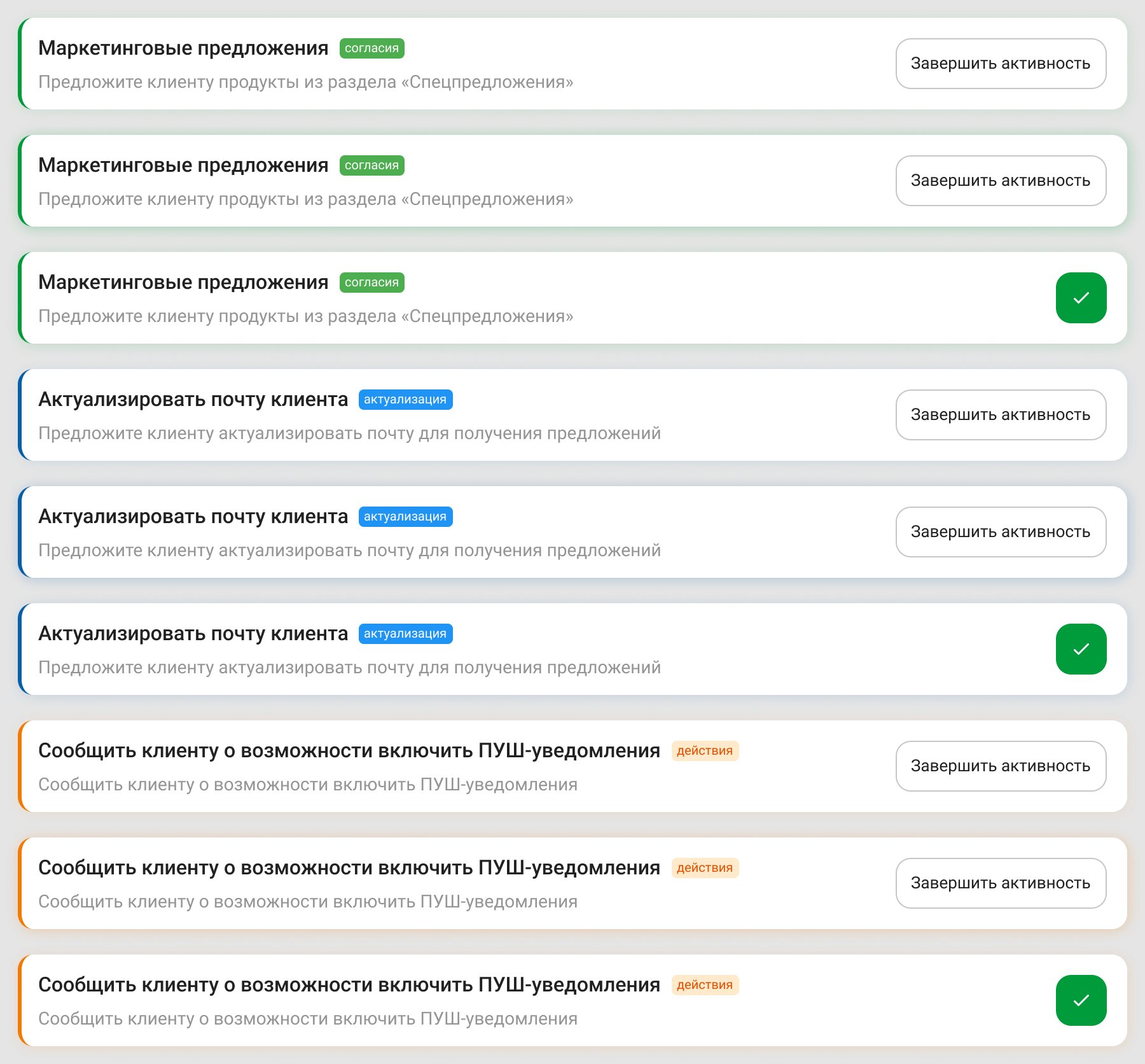
Each activity is a card with a colour stripe and a chip for its group, data update, consent or action, a one-line hint and a “Complete activity” button. A finished card keeps its place and gets a green check; the header shows a segmented bar and “2 of 3 done”.
Banners read as advertising, and staff scroll past ads. A checklist with a counter turns reminders into tasks people can finish.
A checklist is quieter than a banner, so an urgent task needs its own signal.
Activities as banners at the top of the card.
What’s left stays in sight while the employee scrolls
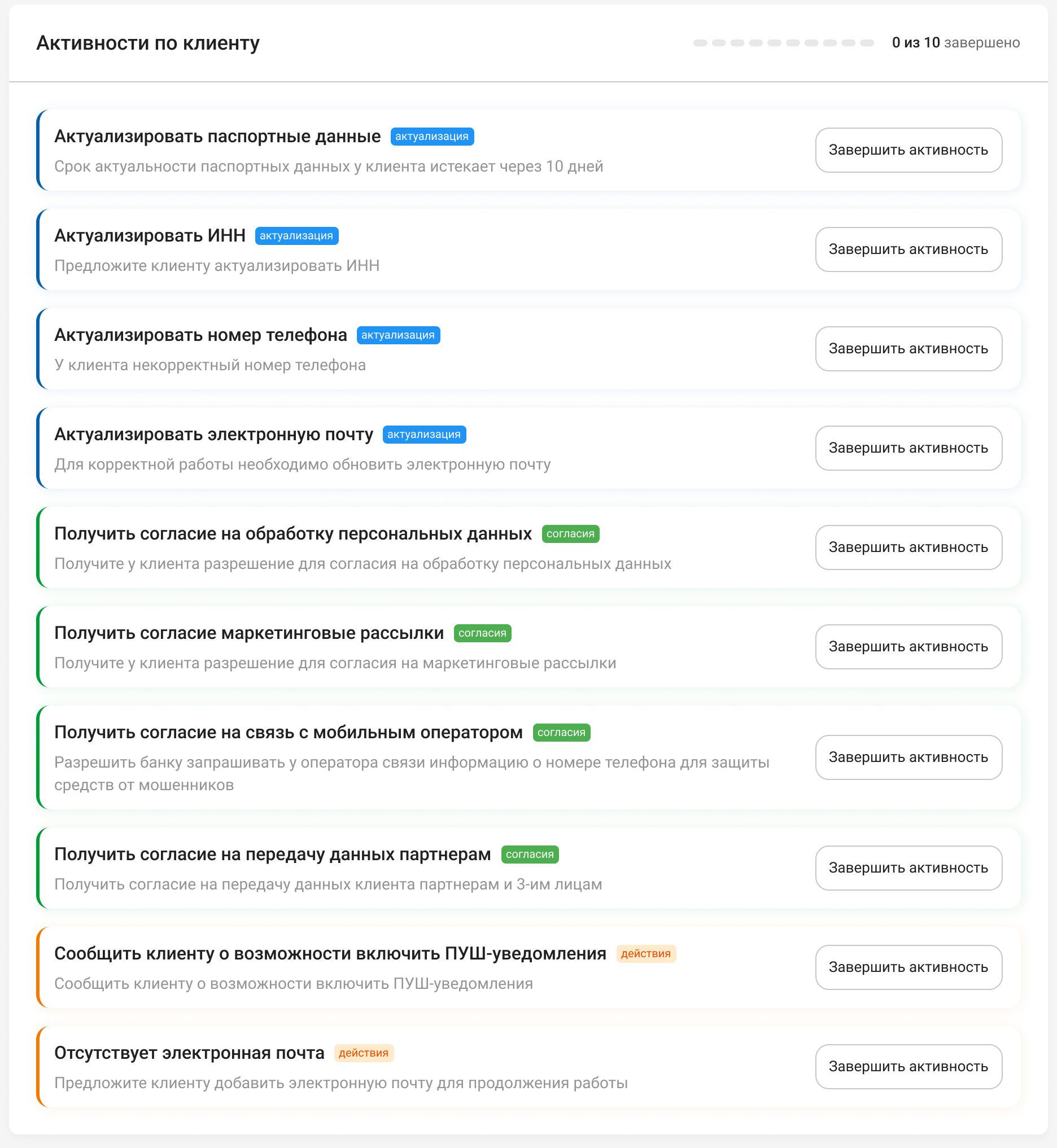
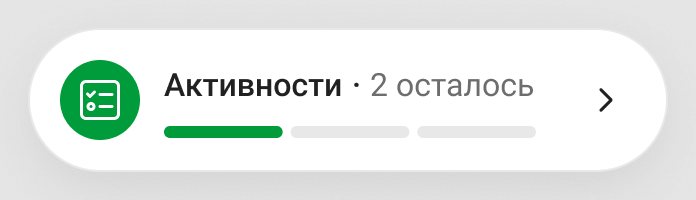
The block lists every task and doesn’t fold: five is the expected maximum, ten is every type at once. Offers and applications come below it, so a panel pinned to the corner of the card keeps “Activities · 2 left” and the same bar in view while the employee scrolls. When everything is done, the panel goes away.
With five or more tasks the block fills most of the first screen, and the visit goes on below it, in offers and applications. The pinned counter keeps the open tasks in mind there.
A block that folds down to its header.
Offers sit under product tabs and open in a side panel
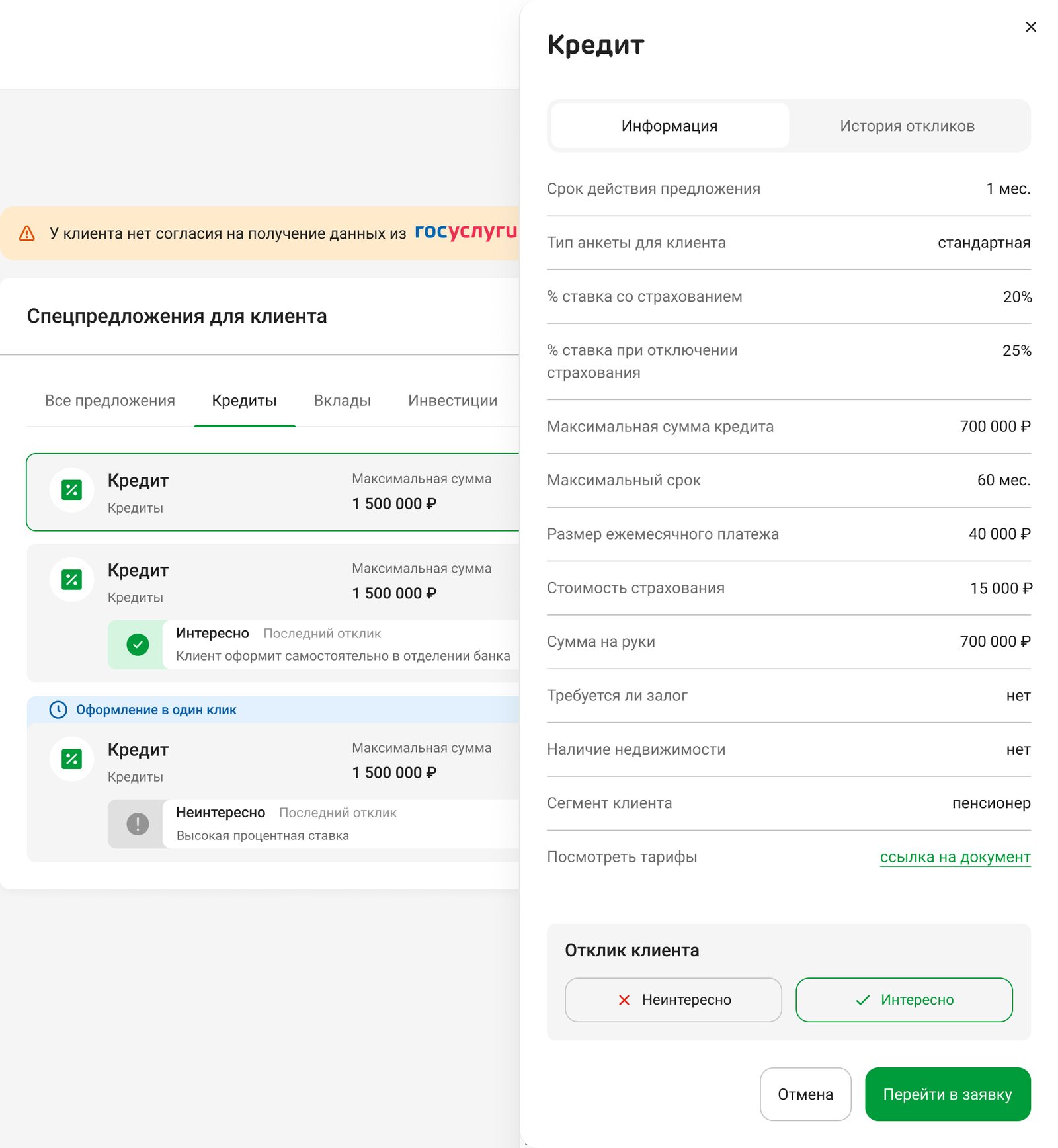
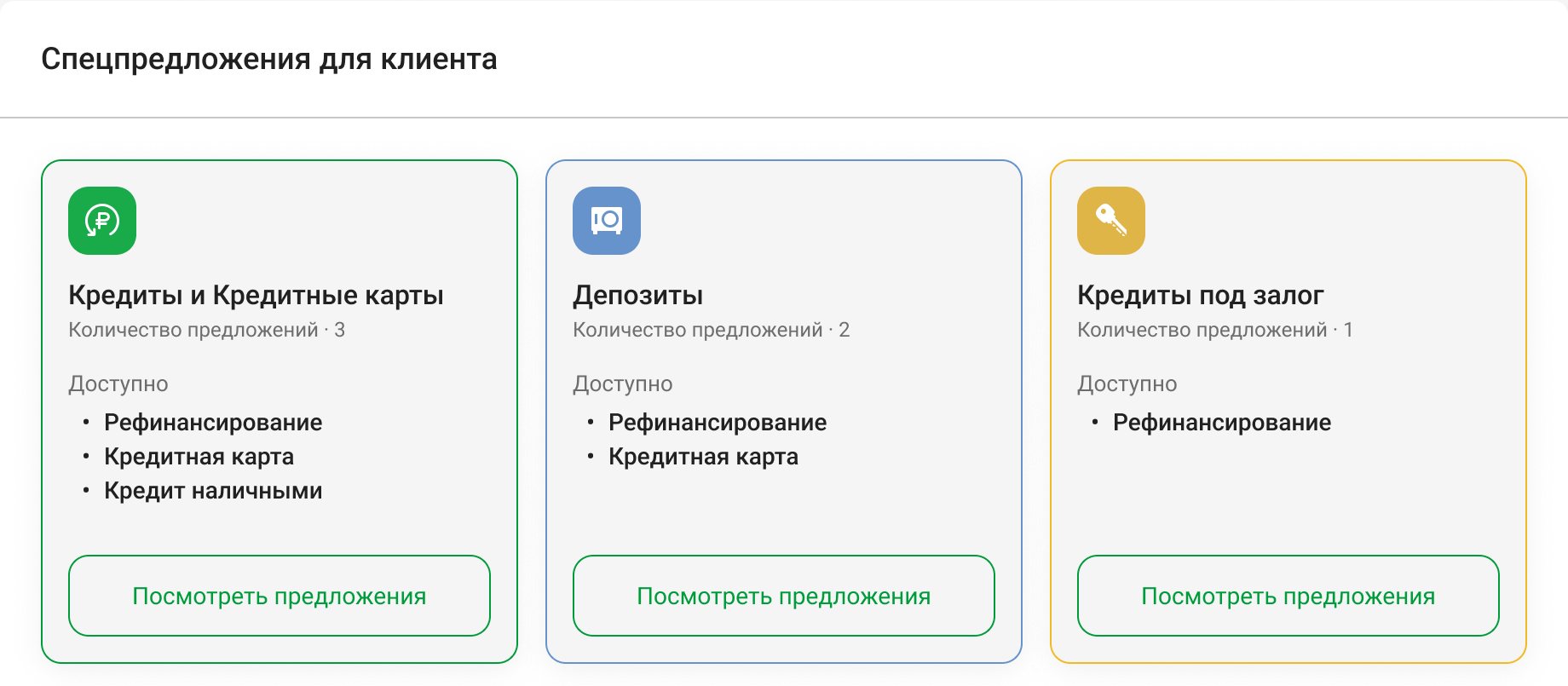
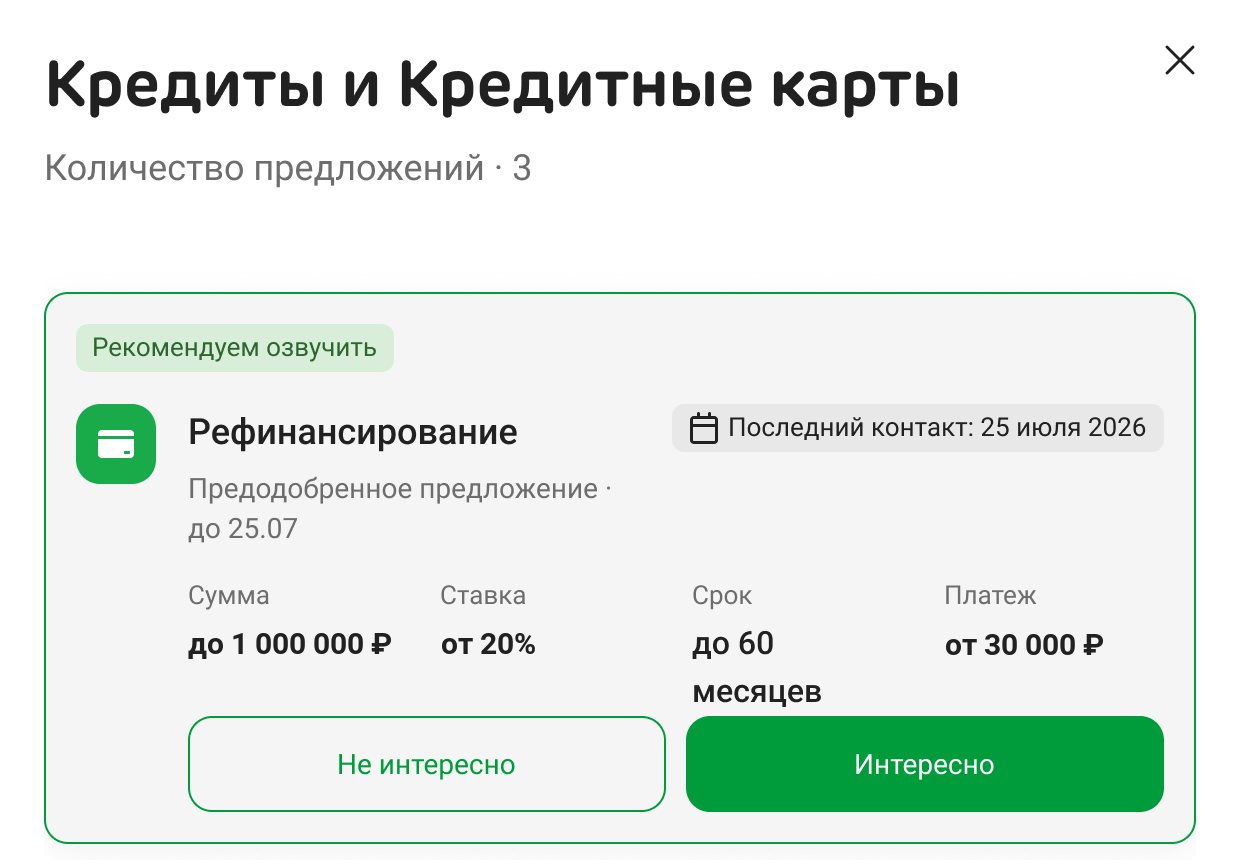
Tabs follow the bank’s product lines: loans, deposits, investments, subscriptions, debit cards and insurance. Each card shows the three terms that matter for its product, and one-click offers get a blue strip on top. A long list scrolls inside the block; with a short one the block shrinks. A click on a card opens the full terms and a link to the tariff document.
A flat list of a dozen offers didn’t scan, and the employee needs the one that fits what the client came for.
“Interested” or “Not interested” closes the loop
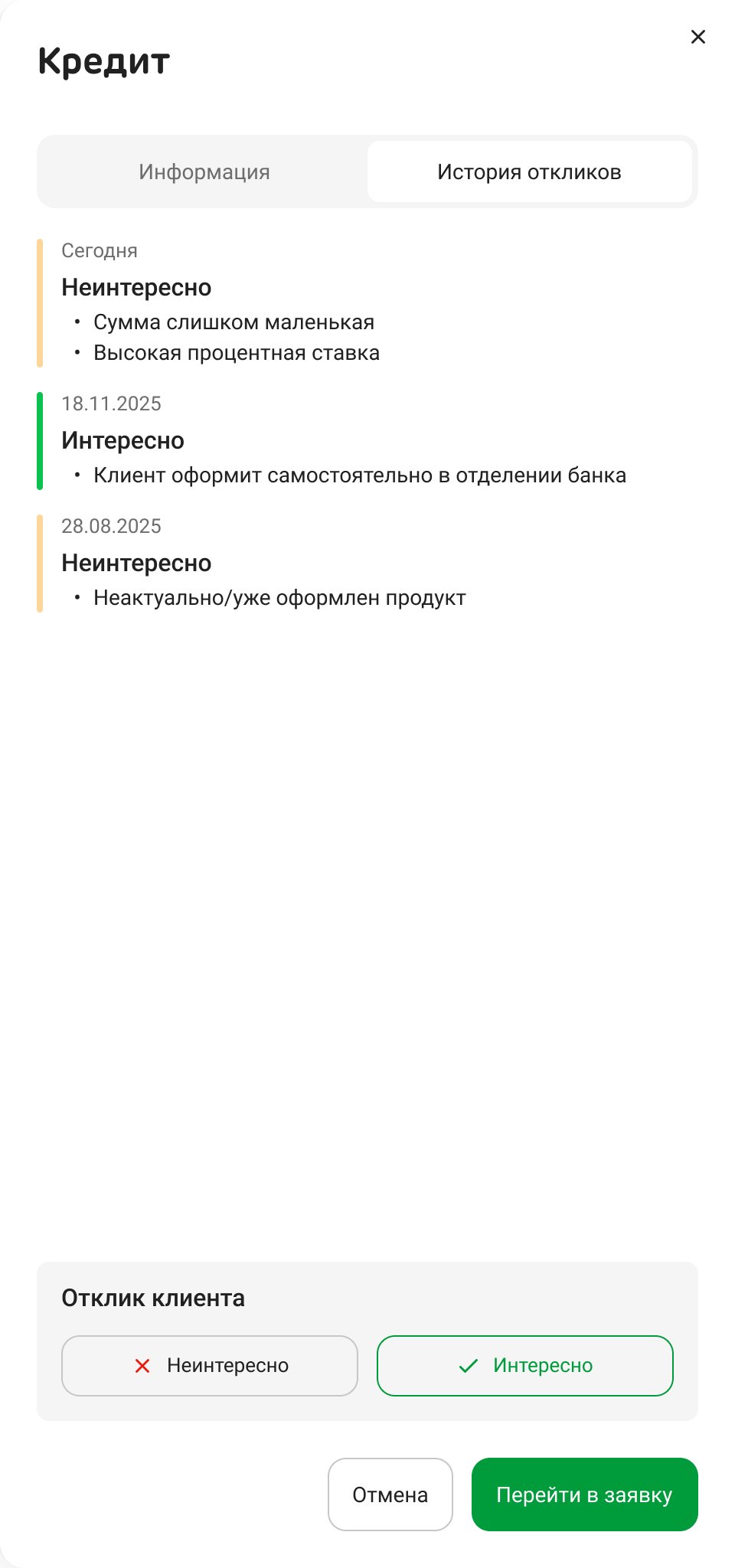
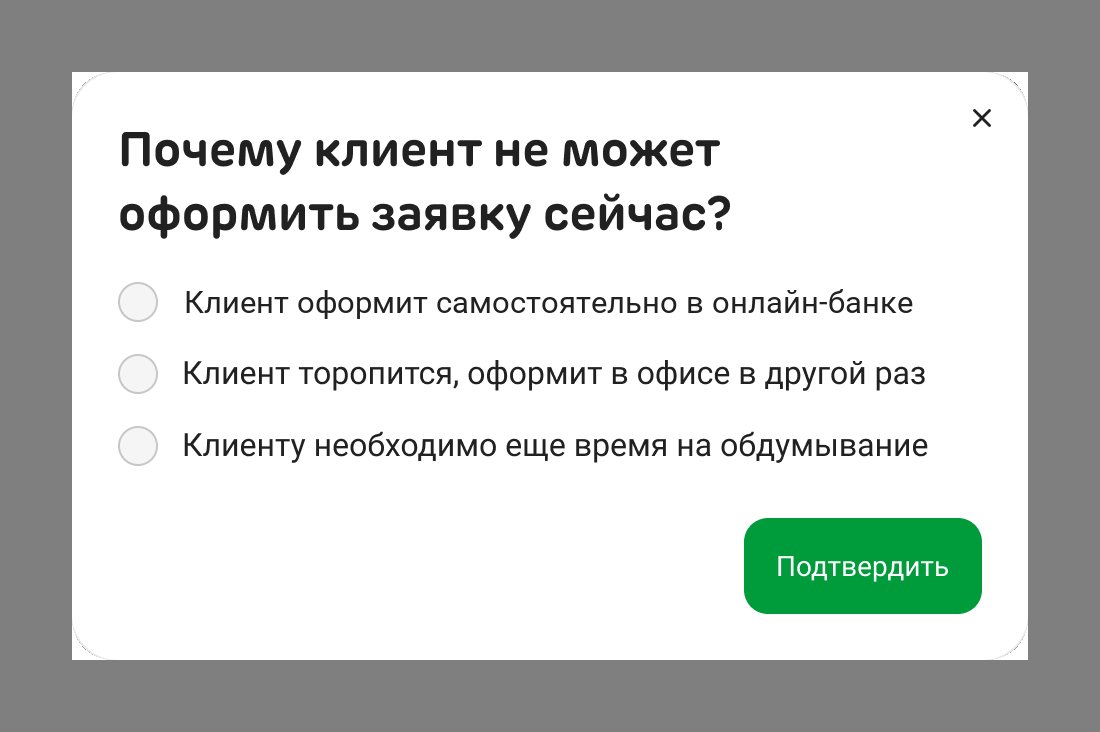
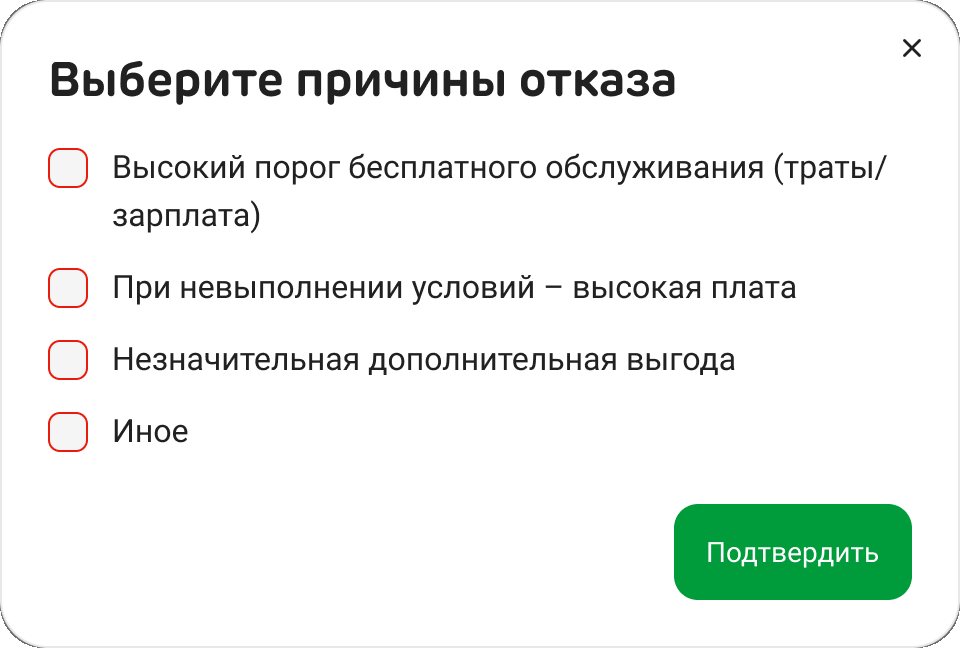

“Not interested” asks for reasons: a list for each product type, plus “Other” with free text. Next to the answer sits “Go to application”; if the client is interested but can’t apply right now, the employee picks why. The card shows the last answer, with a badge when there were more; the full history with dates is a tab in the side panel.
Without a recorded answer the same offer comes back at every visit, and the client hears it again. The answer also goes back to the campaigns.
Details
“Complete activity” turns into a green check right in place: the card keeps its spot, the bar fills up, and a click on the check reopens the task. The last one brings up “All activities for this client are done!”.
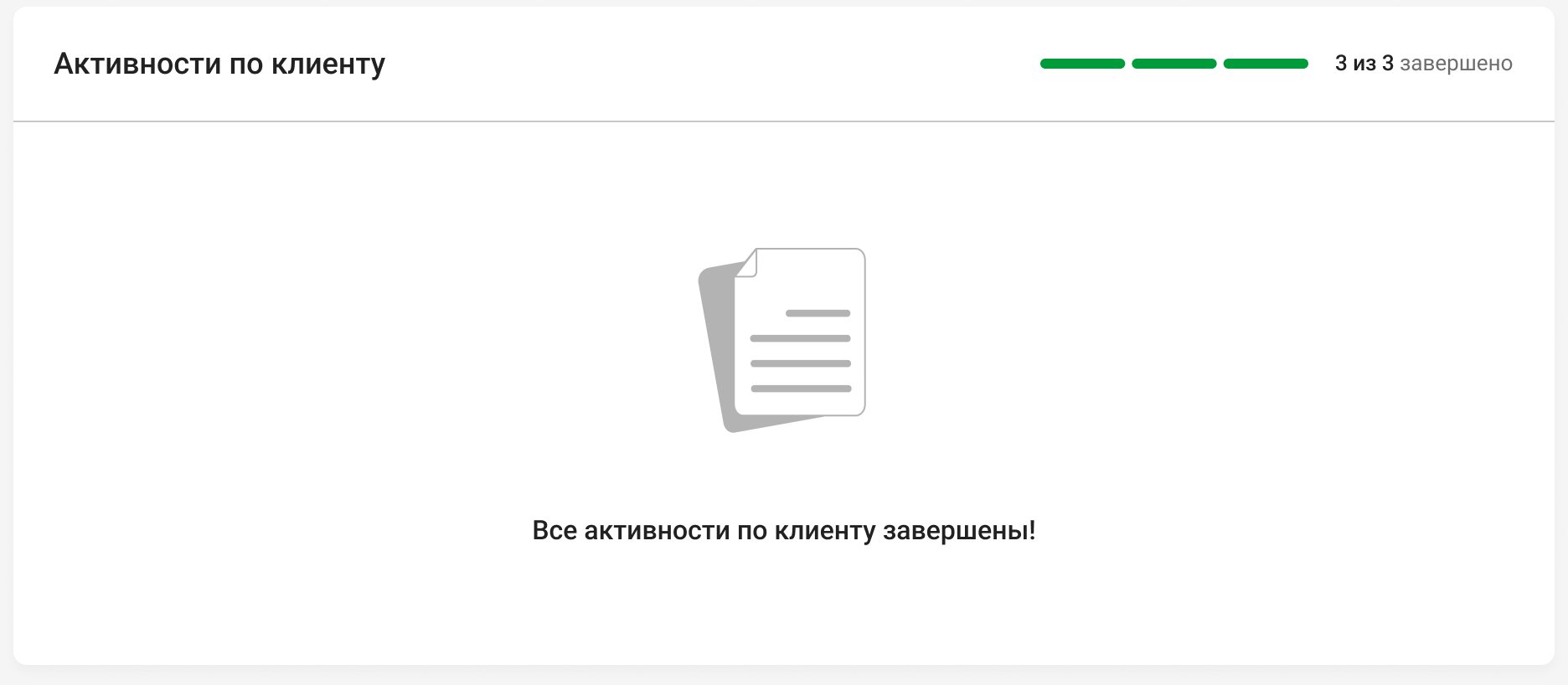
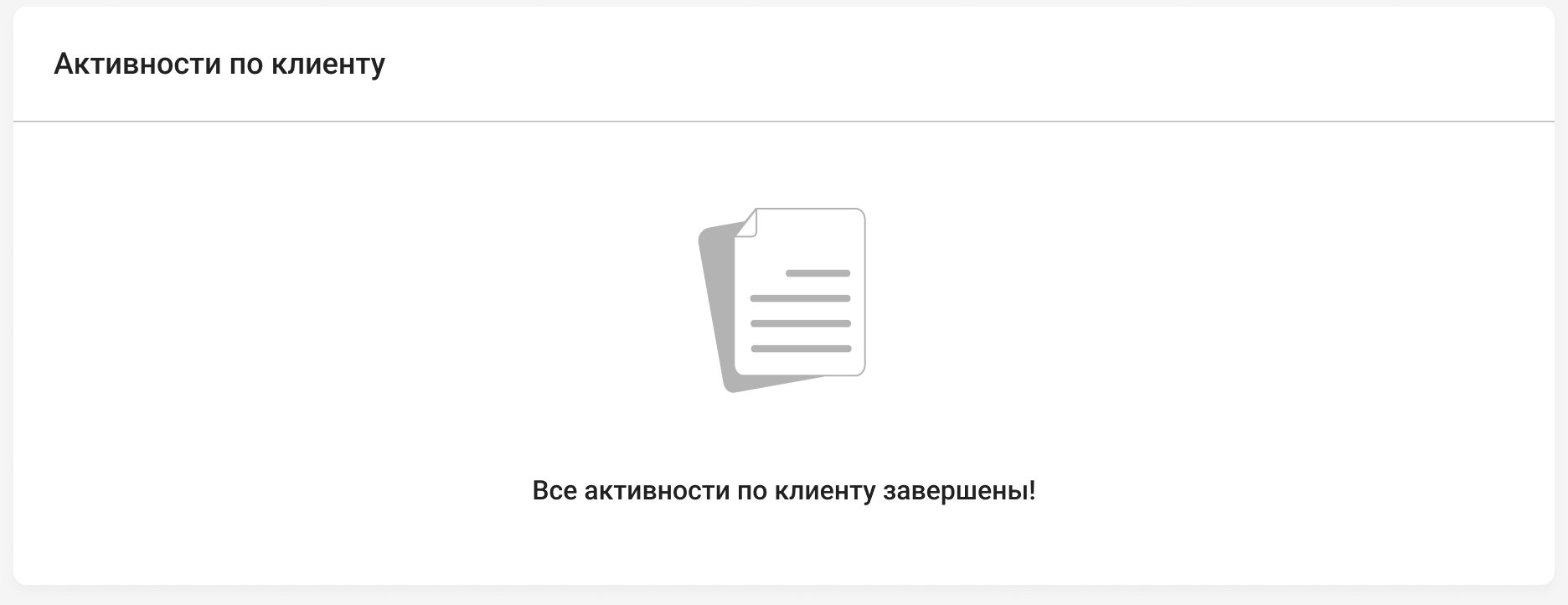
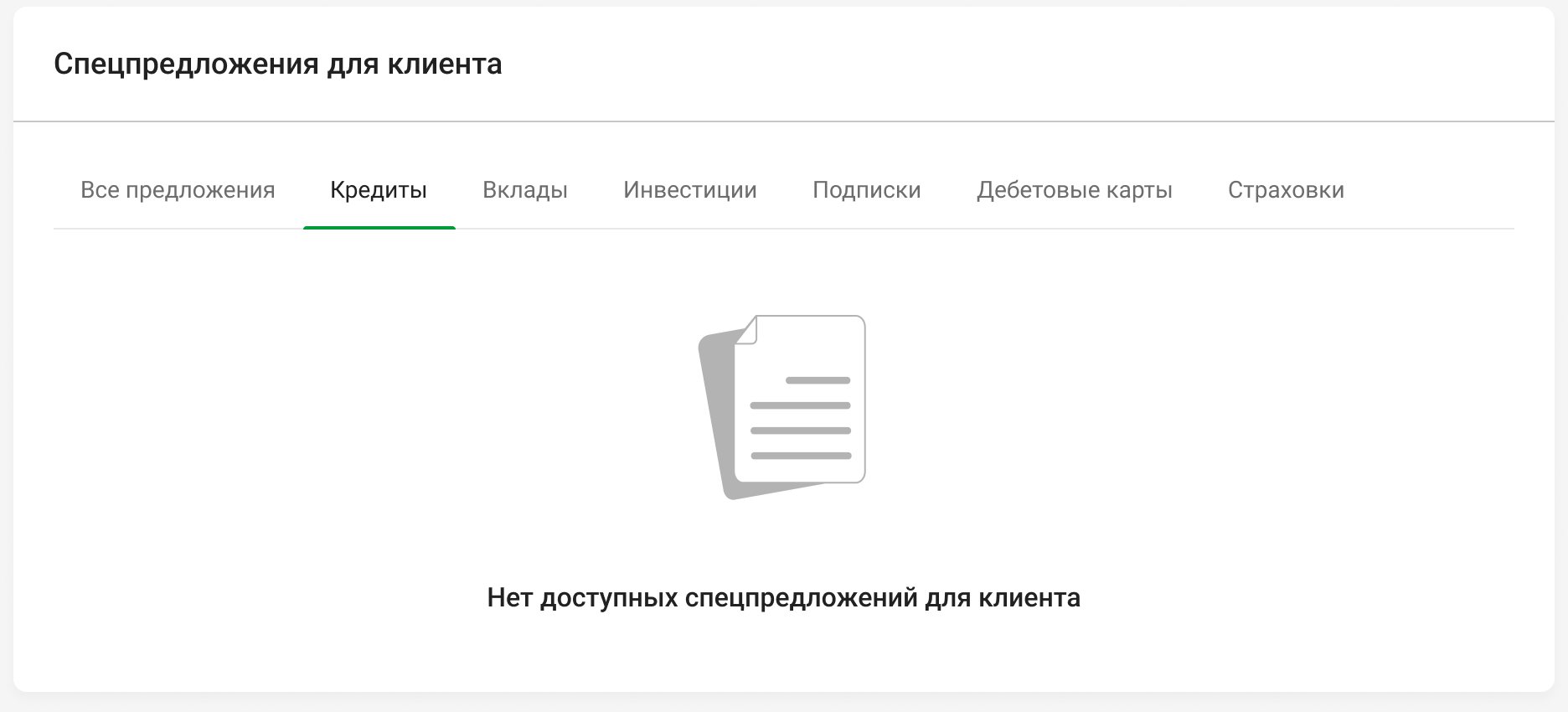
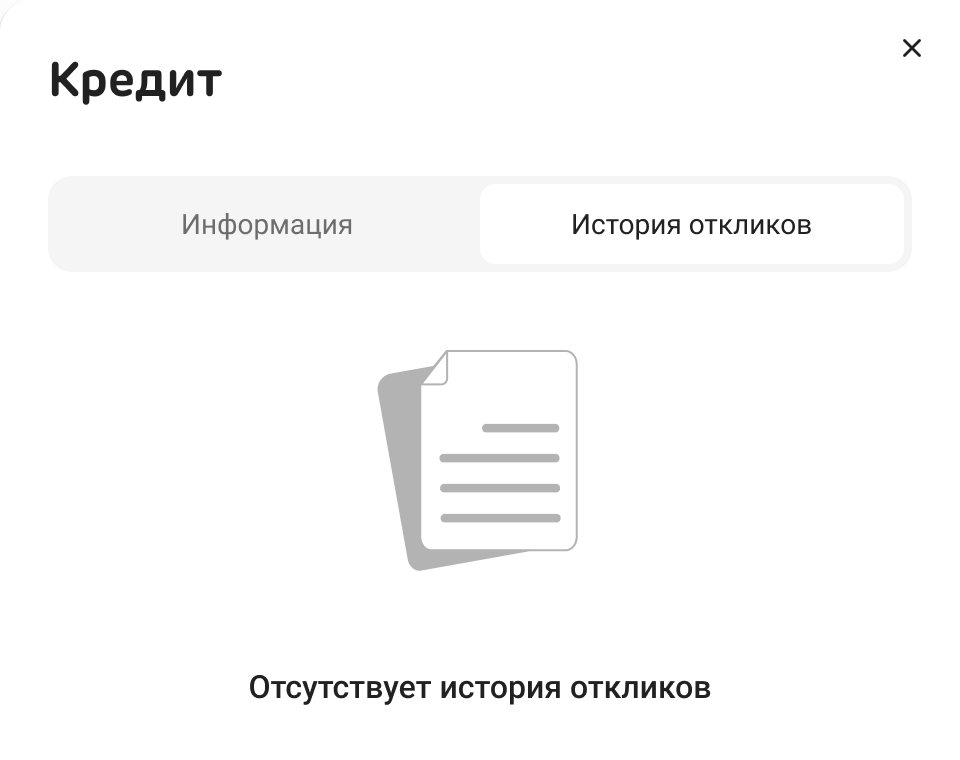
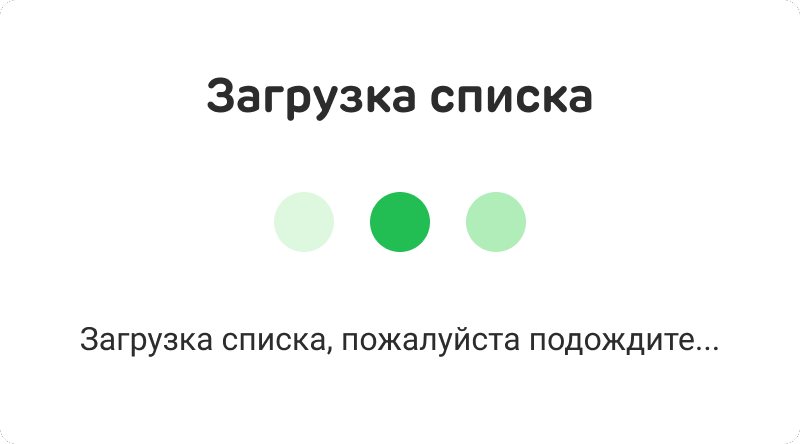
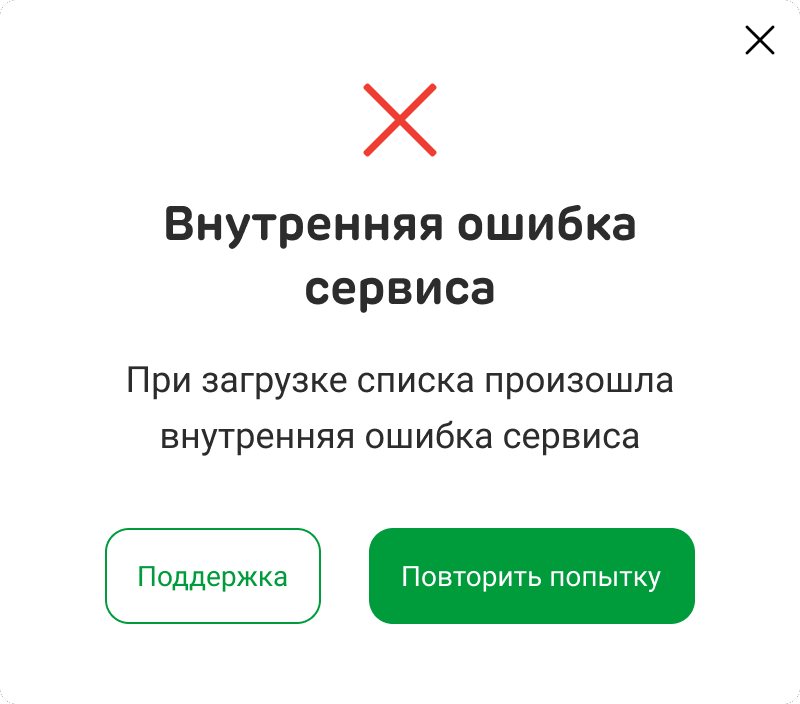
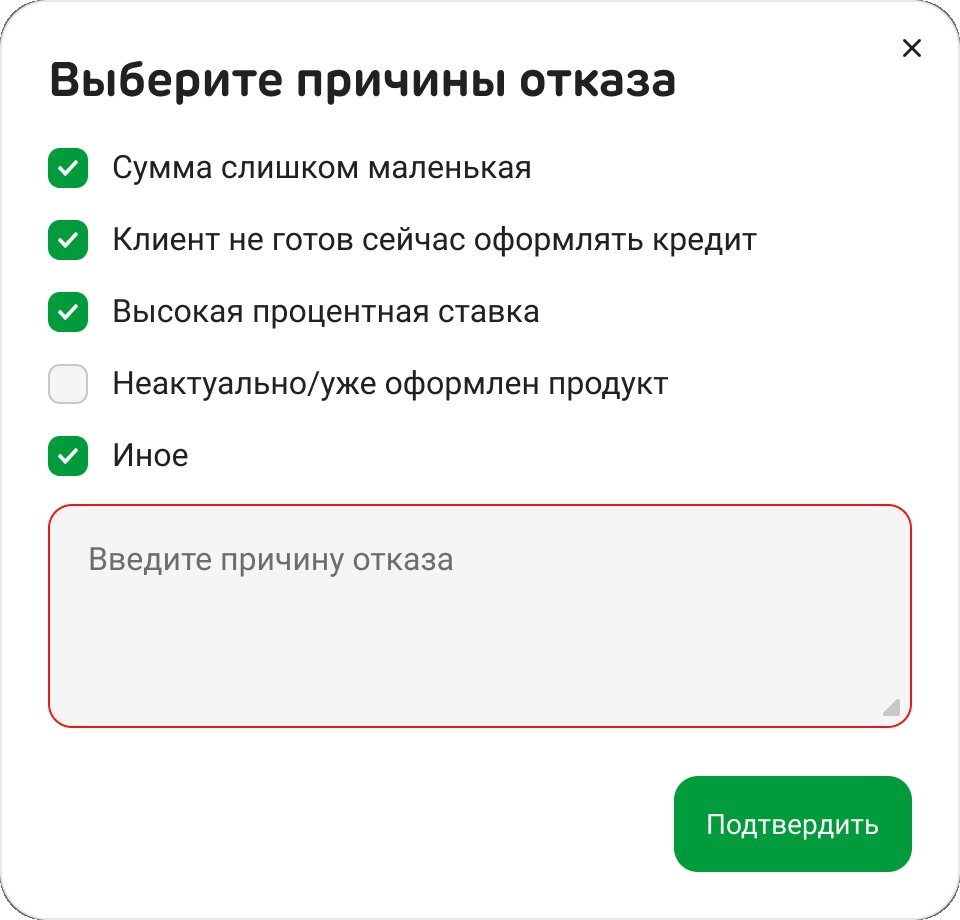
- States. Activities: loading, the moment the last one is done, all done, an empty list. Offers: loading, no offers, none in a tab, no response history. Response forms: loading the reasons, a service error with “Try again” and “Support”, free text only when the list of reasons is unavailable, and a check that “Other” isn’t left empty.
- Components. An offer card for six product types with default, hover and selected states and an optional one-click strip; a last-response chip; an activity card in three groups with default, hover and done states; the pinned counter.
- Copy. Every activity title is an instruction, like “Update passport details” or “Get consent to share data with partners”, and the line below says why or what to say: the passport expires in ten days, the phone number is wrong.
Results
- Live in branches since spring 2026; the contact centre is next.
Takeaways
- A to-do needs a finish line. A counter and a visible “done” turn reminders into tasks people close.
- Draw the maximum, not the average. With all ten tasks on screen, what’s left has to stay in view while the employee scrolls.
- Feedback is part of the feature. Without “Interested” or “Not interested”, every visit starts from zero.