Telemedicine · app and web · 2026 · NDA
Consent once, one SMS per device, then Face ID
Sign-up and sign-in for a telemedicine service where patients consult doctors online, in the app and on the web. The client and the screens are anonymized under NDA.
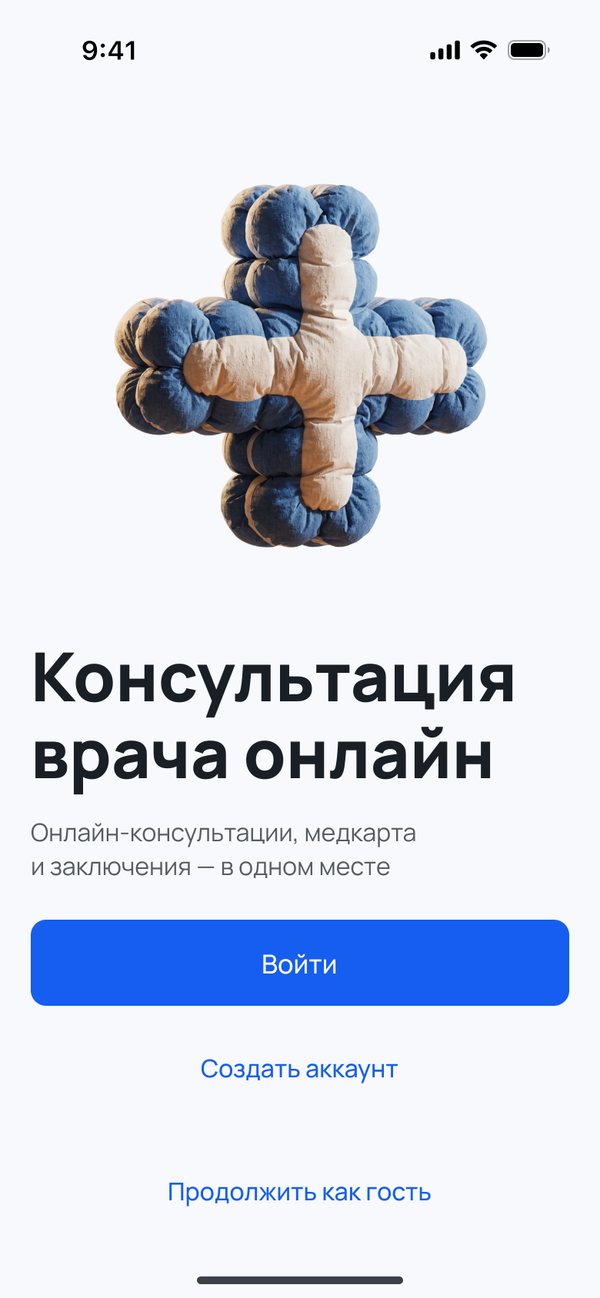
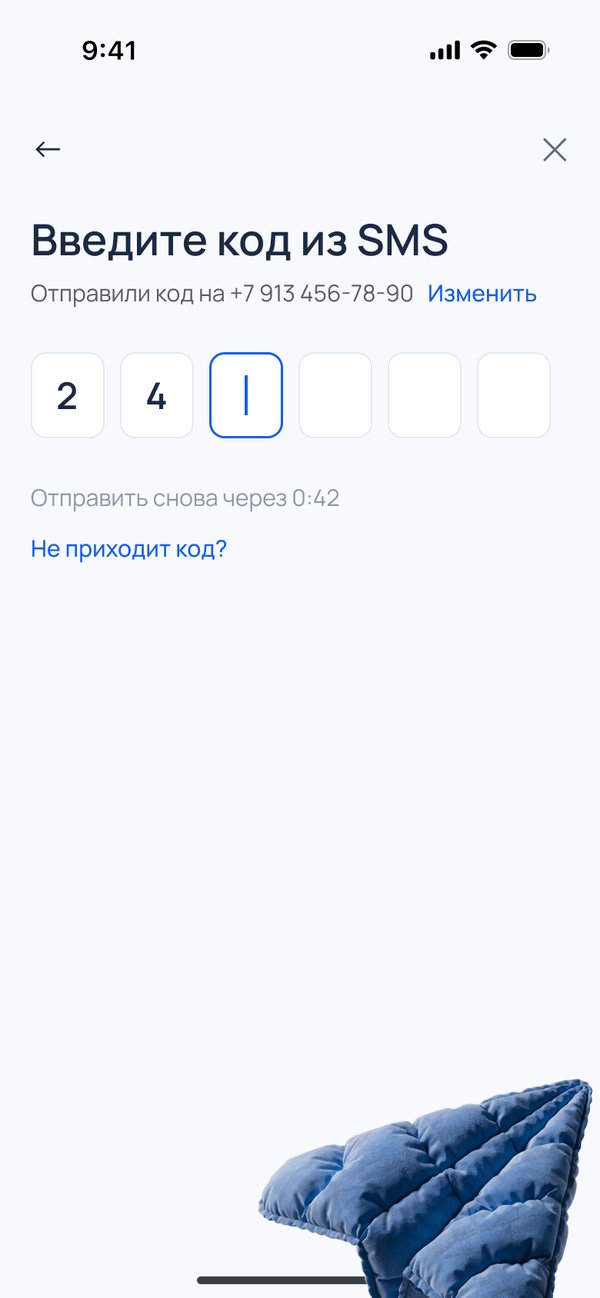
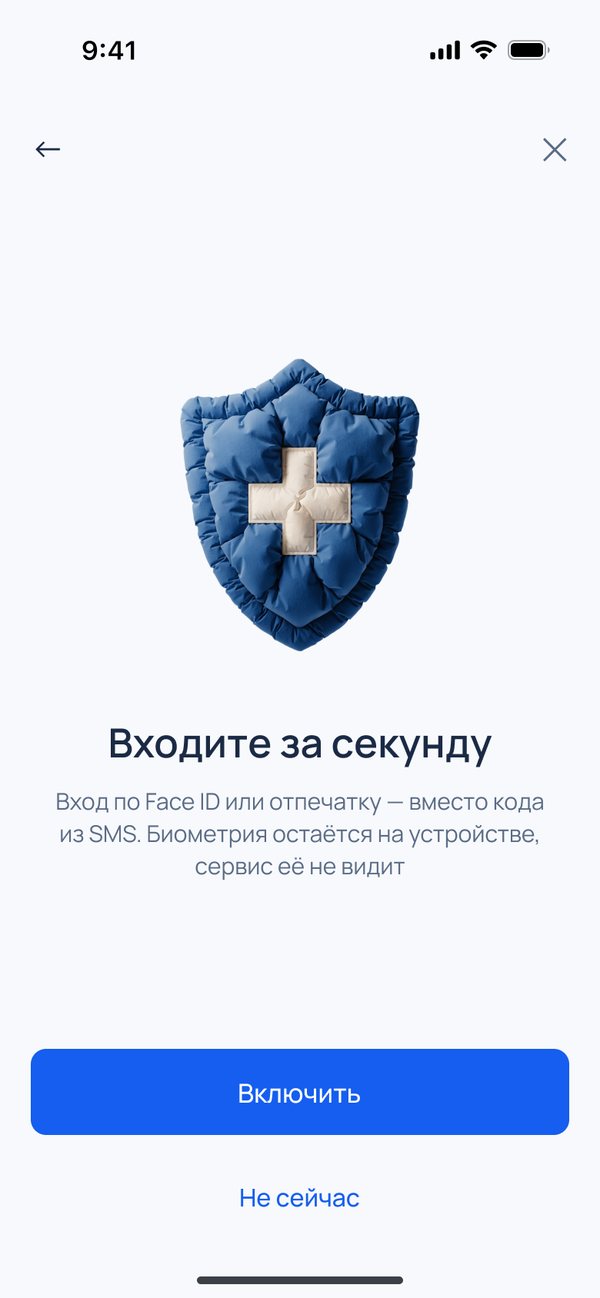
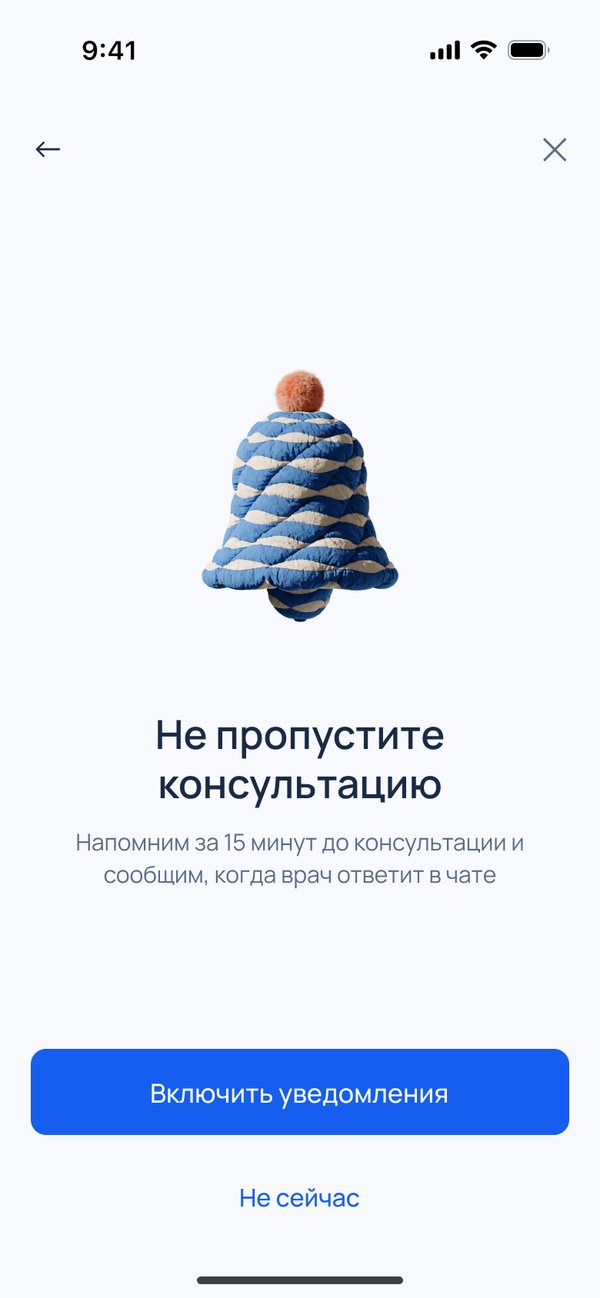
- Task
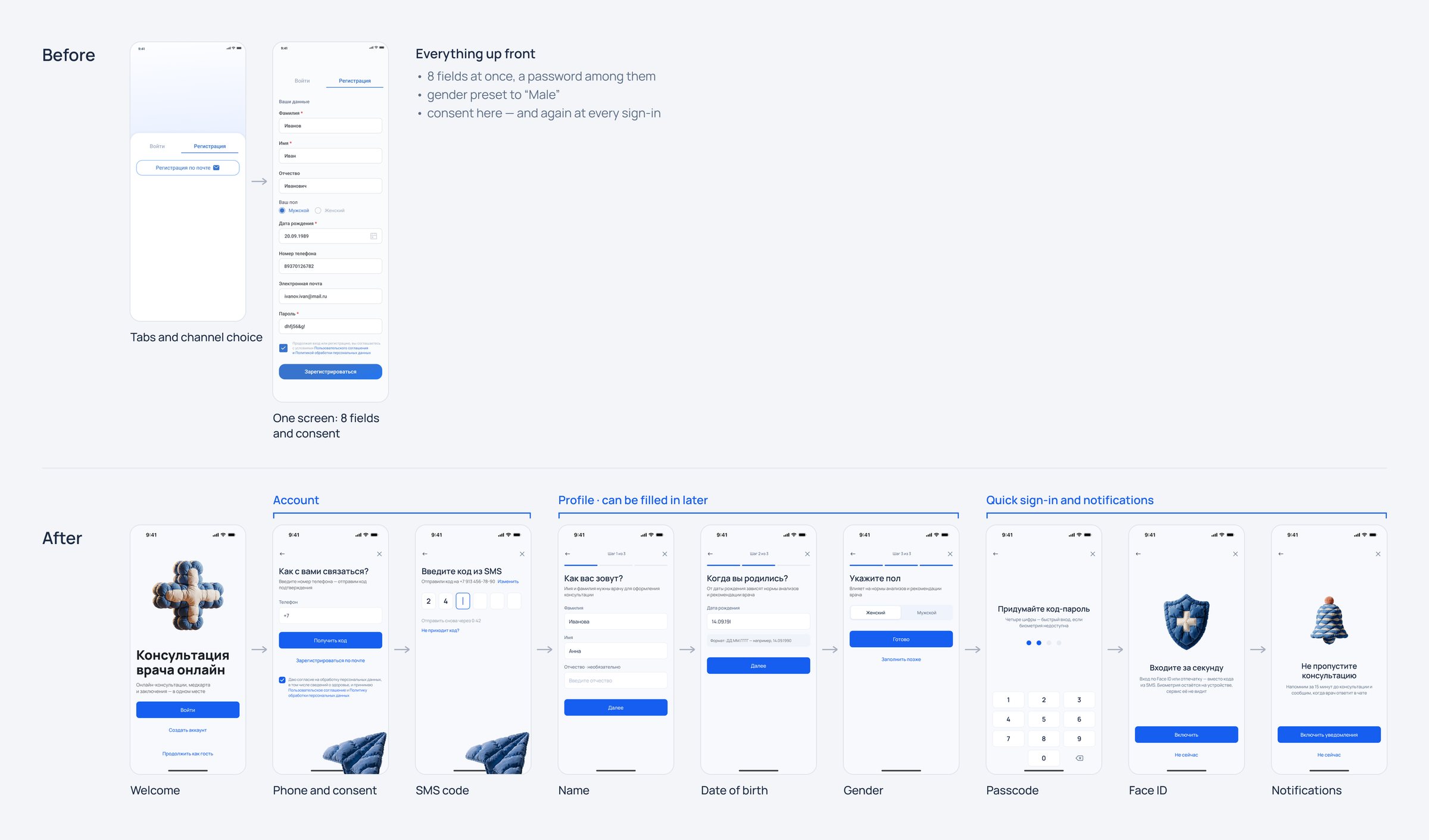
- The old email sign-up was a seven-field form with a password, and every login asked for consent again. The brief: a one-time code by phone or email, Face ID after the first login, a short profile.
- What I did
- Audited the live product, researched the law, competitors and patterns, compared three flows and three visual directions, and designed the final flow: 49 screens for app and web, a component library and a clickable prototype.
- Result
- In the new design consent is asked once, at sign-up; a returning patient signs in with a passcode or Face ID, and an SMS goes out only on a new device. Sign-up completion grew from 54% to 78%.
Context
- Business
- The service sells online consultations, and sign-up is the gate to the first one. Every phone login cost an SMS.
- People
- Patients of all ages, older people included.
- Constraints
- Russian law shaped the flow: consent to process health data has to be a separate document, and signing in with foreign accounts such as Google or Apple is banned.
My role
I was the only designer on the task: audit, research, flow, visual directions, final screens, components and interface copy. The product owner reviewed the screens and approved the copy rules.
Key decisions
The phone comes first, email is the fallback
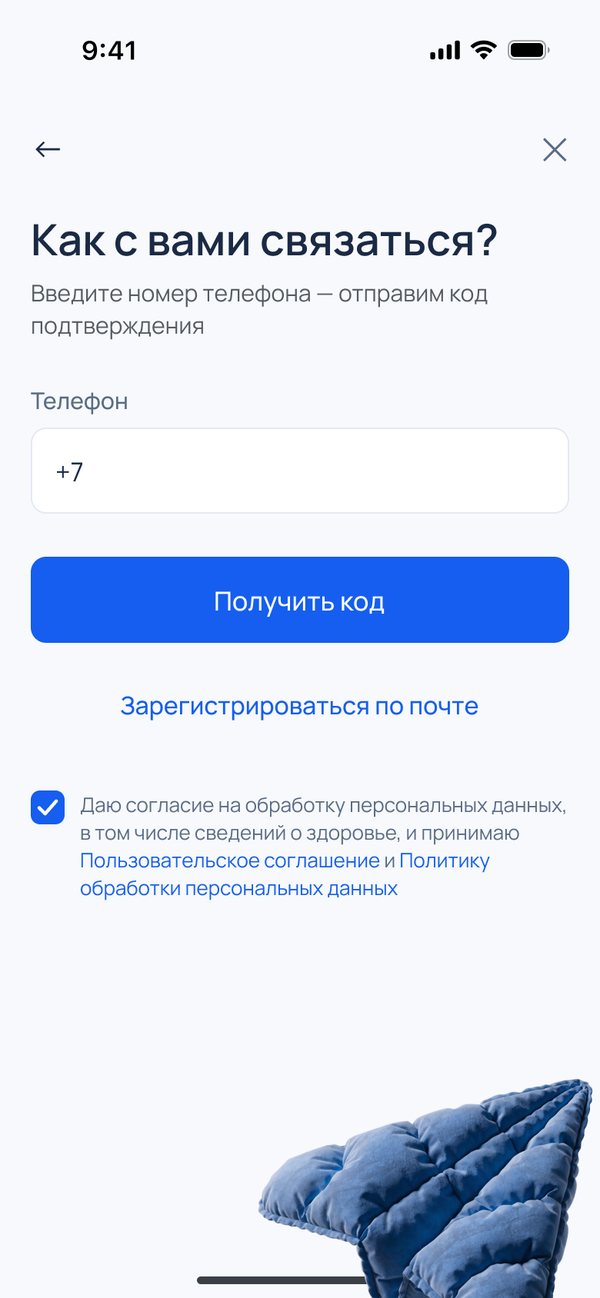
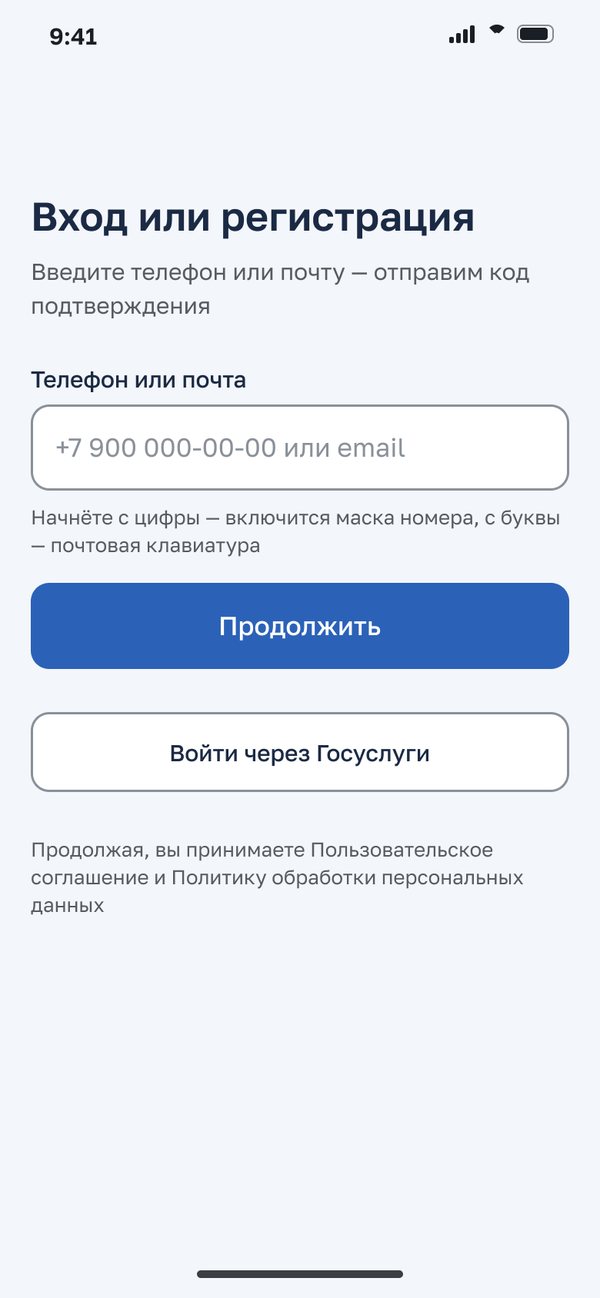
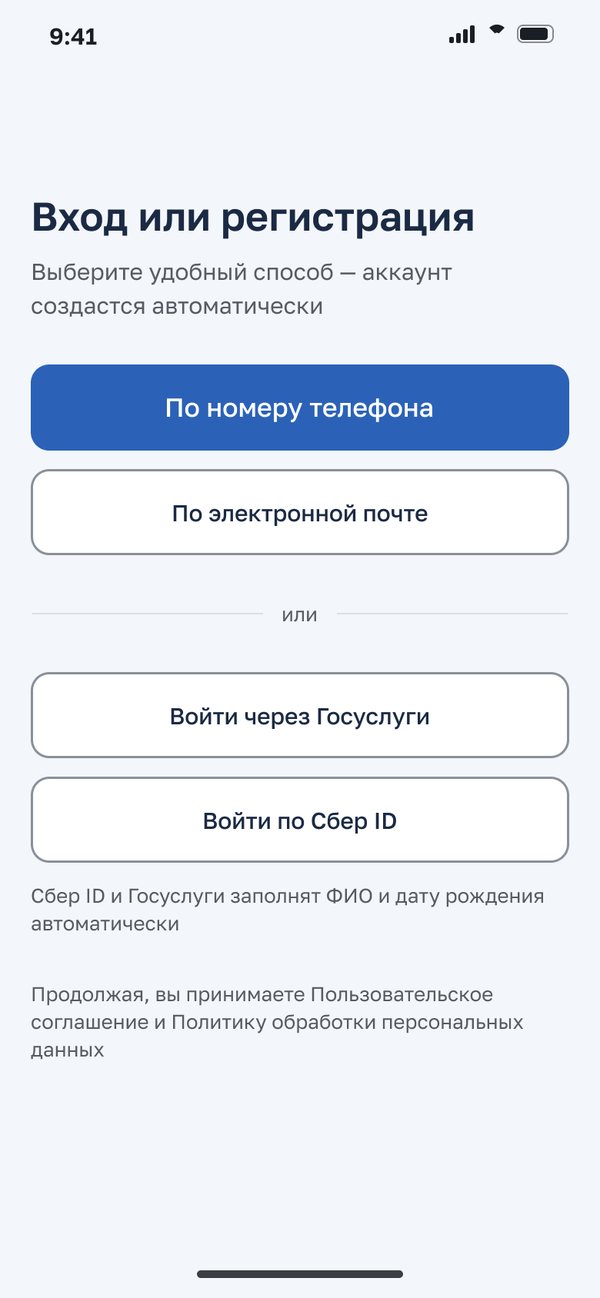
Every live telemedicine service in Russia signs patients in with a phone and a code. Email is a link below the button, not an equal choice.
Email users still sign in with a password.
Consent once, not at every login
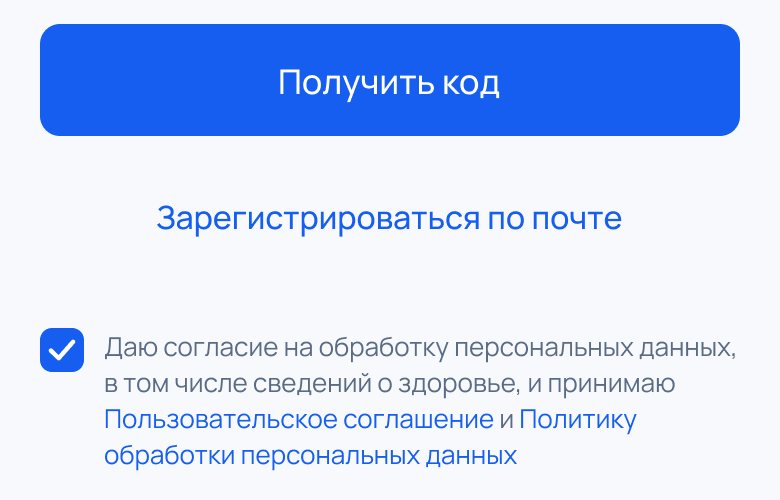
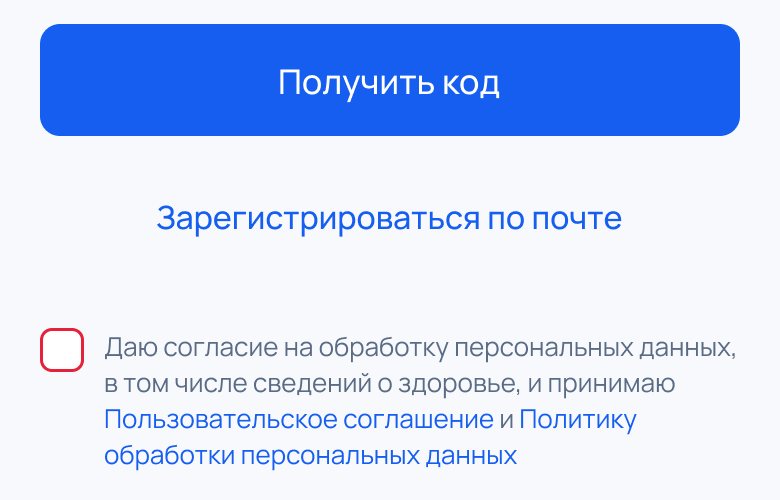
Left unticked, the box turns red: no extra text, and the button stays active.
The law needs separate, explicit consent to process health data, but only once. The old flow asked returning patients to agree again at every login.
Returning patients skip the SMS
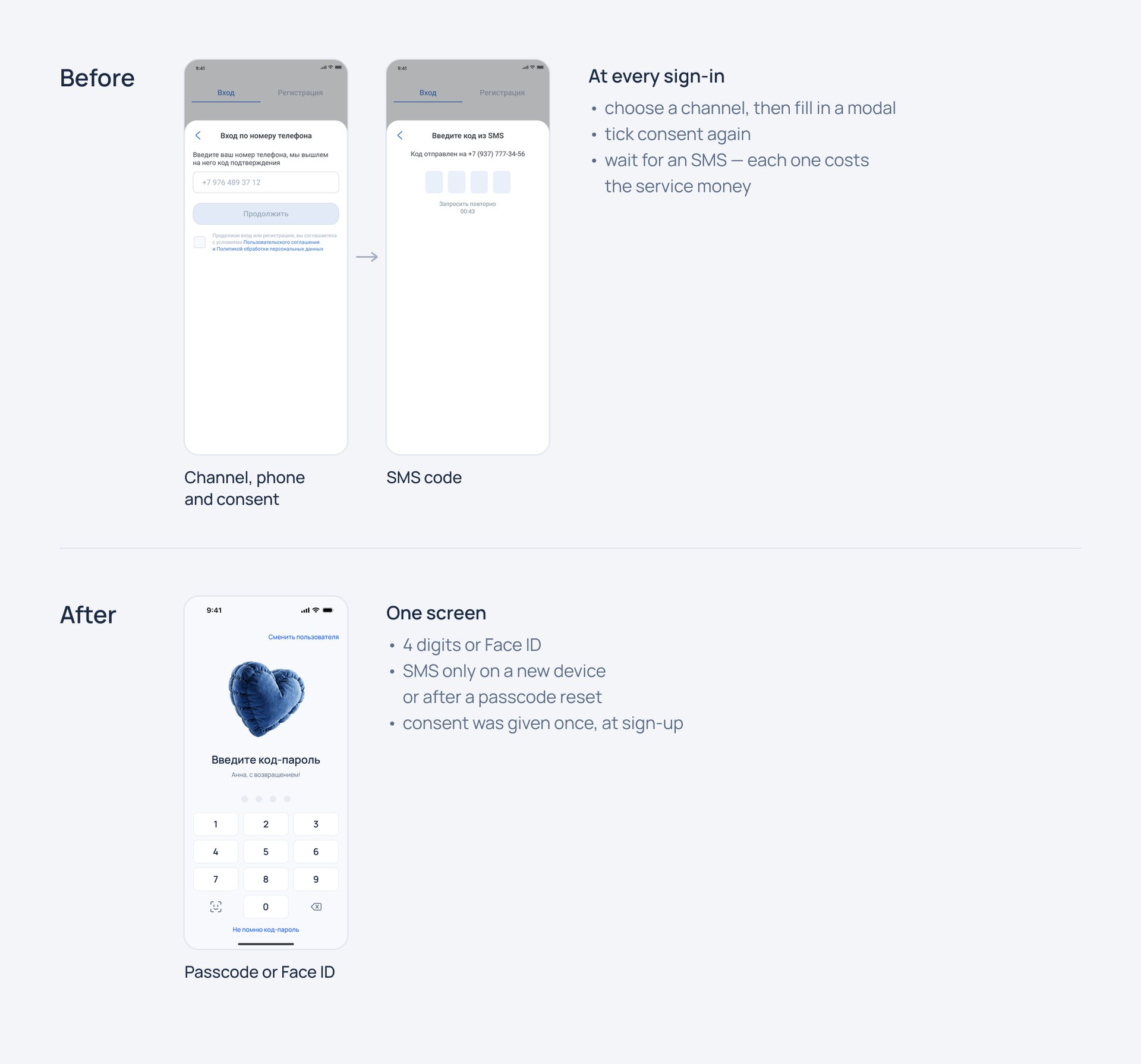
After the first login, a 4-digit passcode and Face ID. The SMS comes back only on a new device.
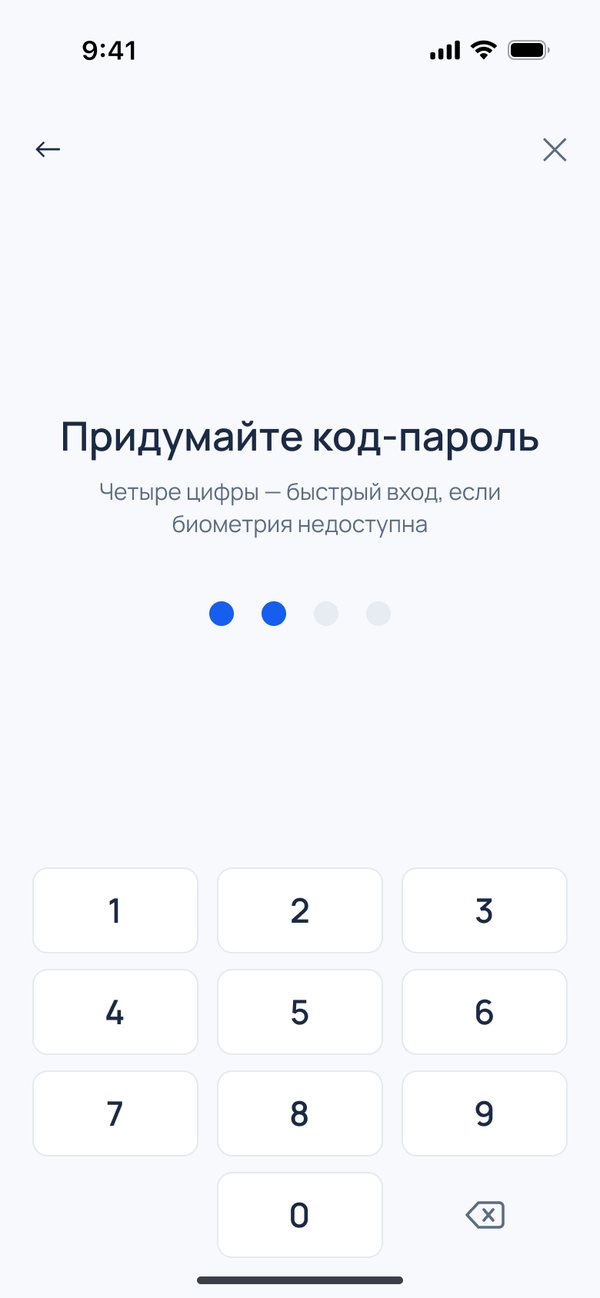
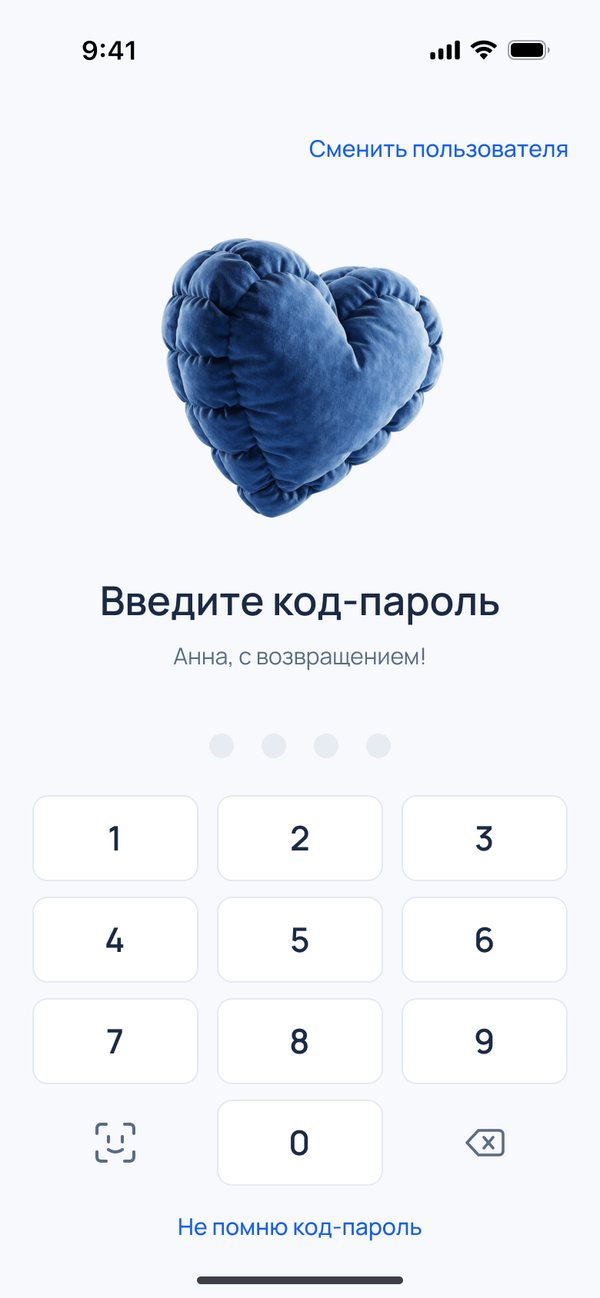
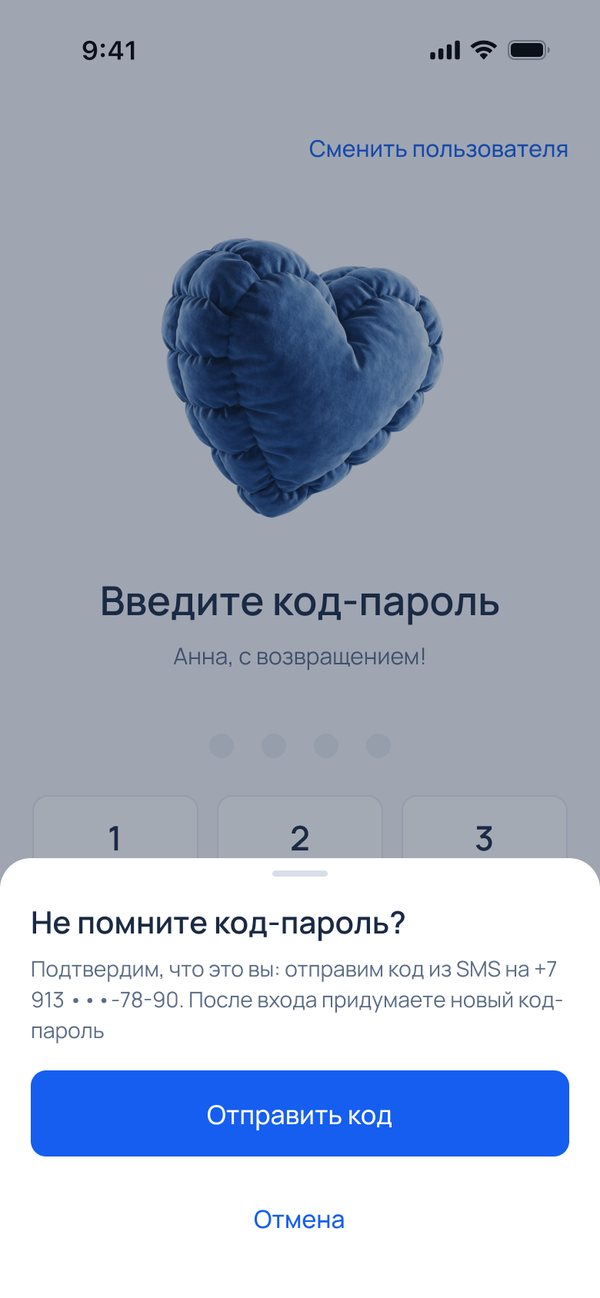
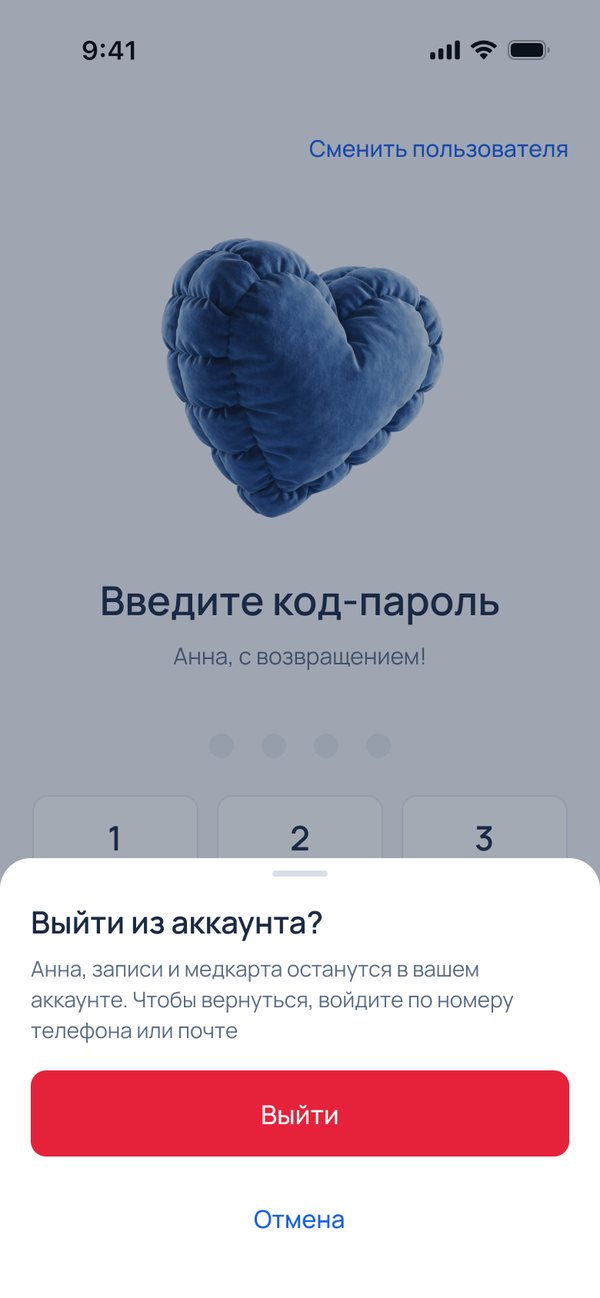
Cutting SMS costs was an explicit goal of the brief. The biometric key sits in the bottom-left slot of the keypad, as in the banking apps people already use.
Three looks, one structure
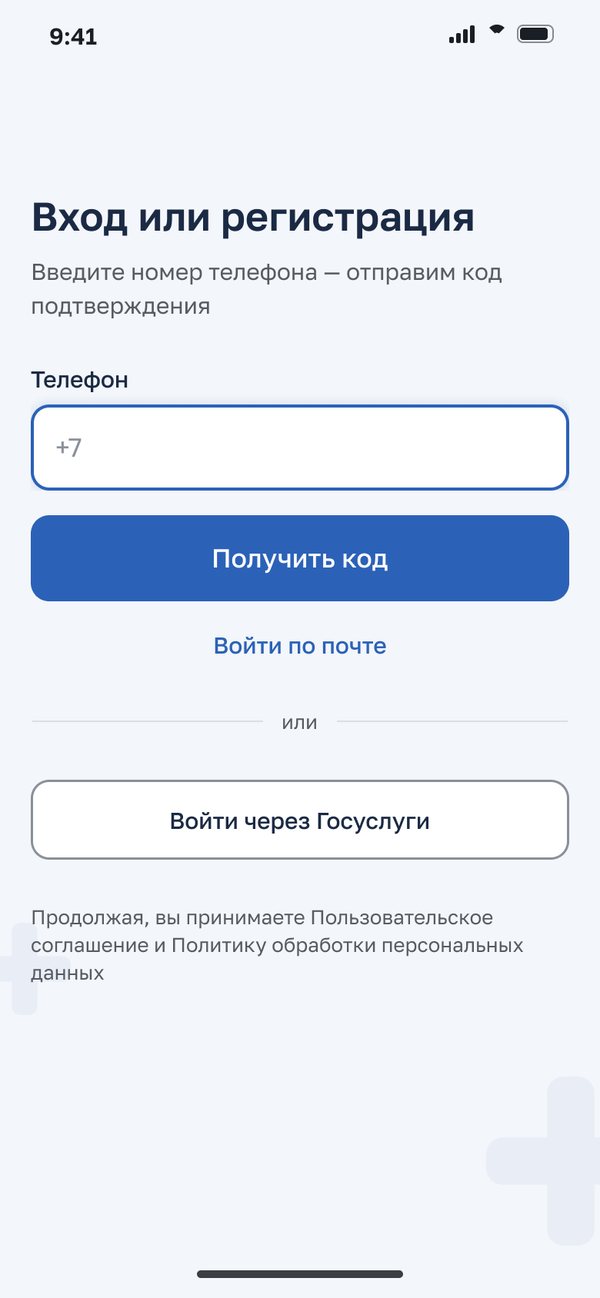
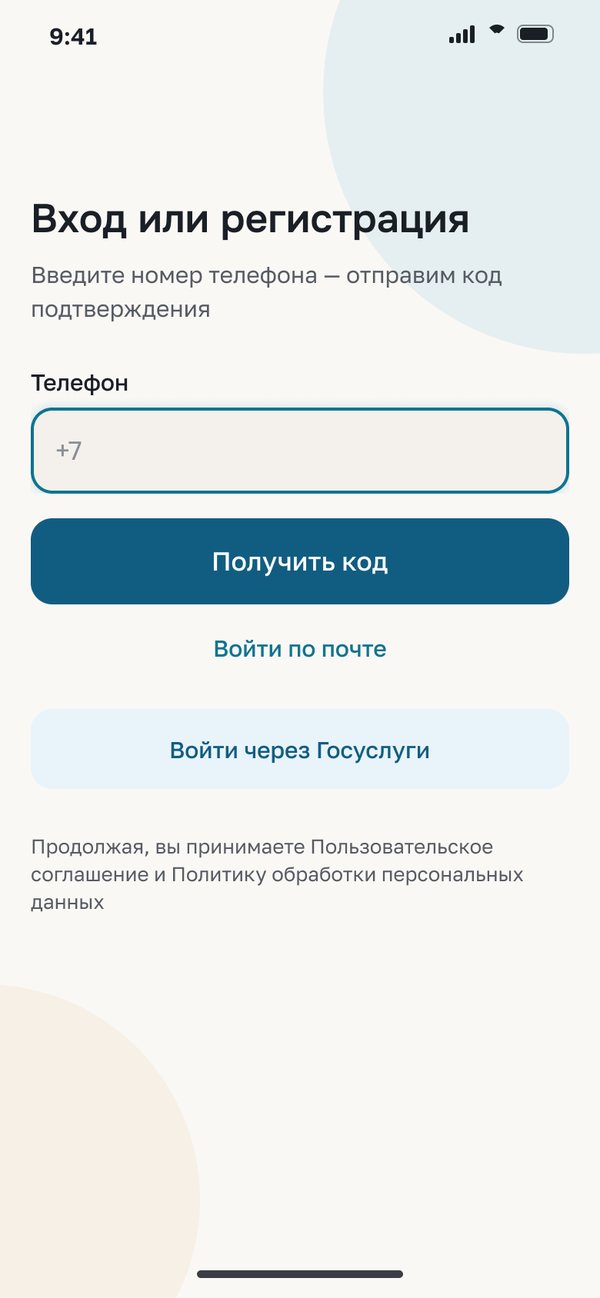
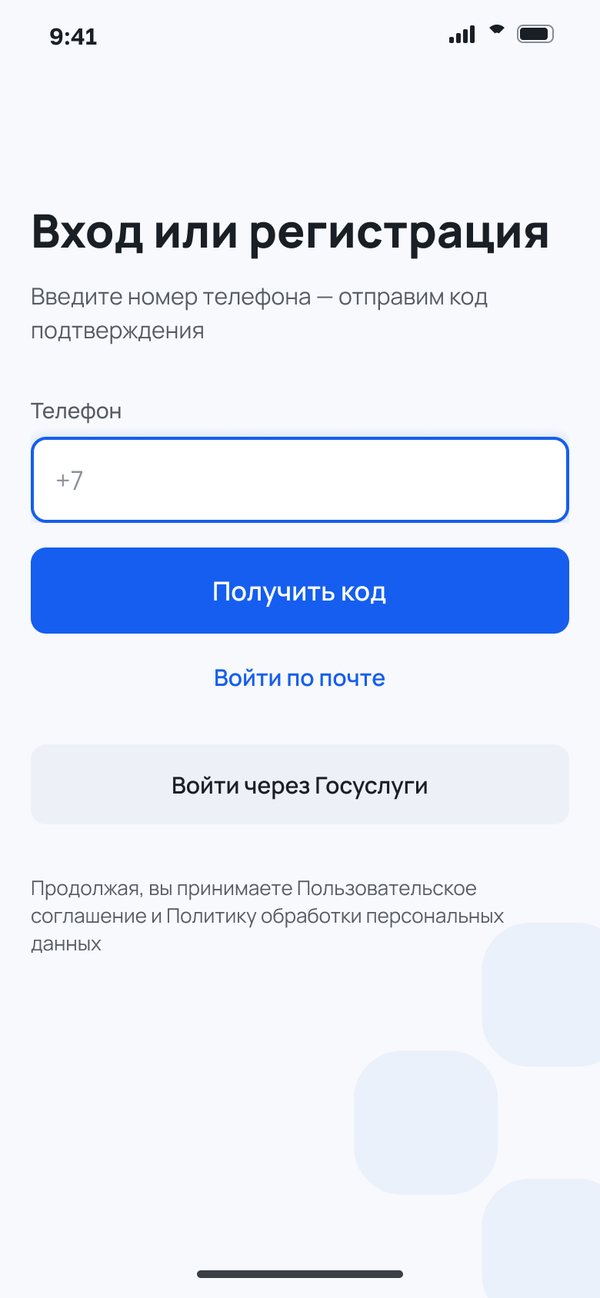
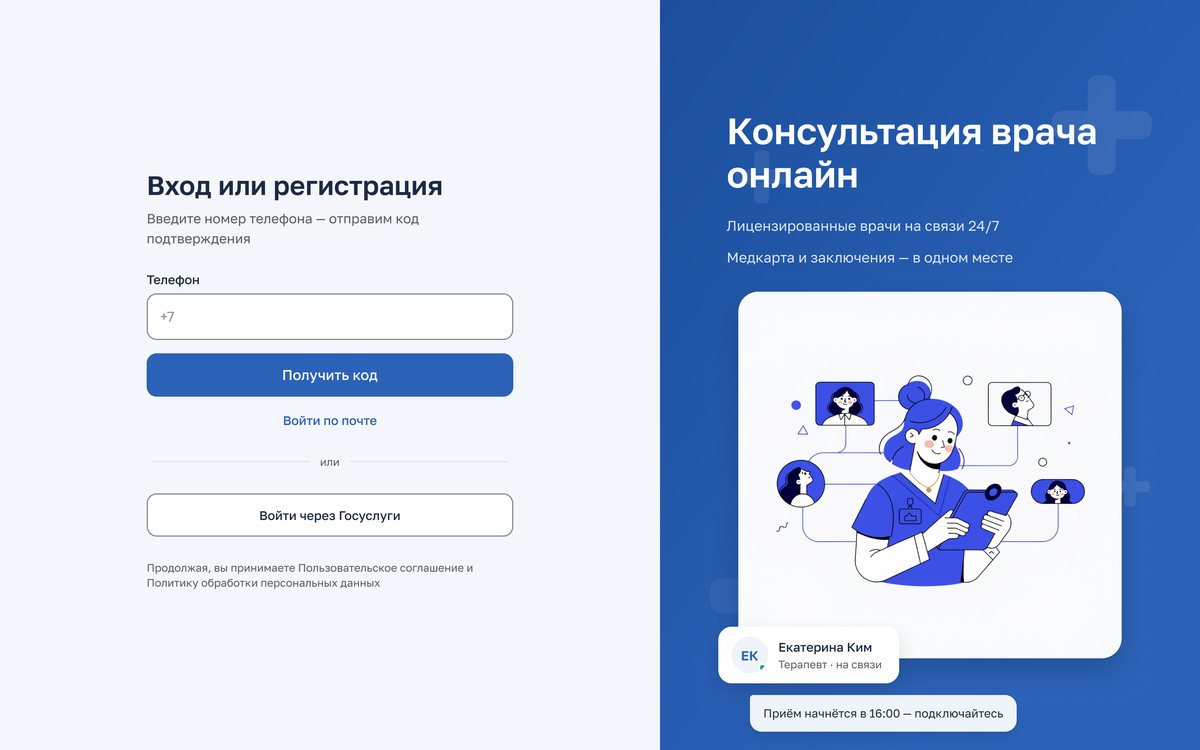
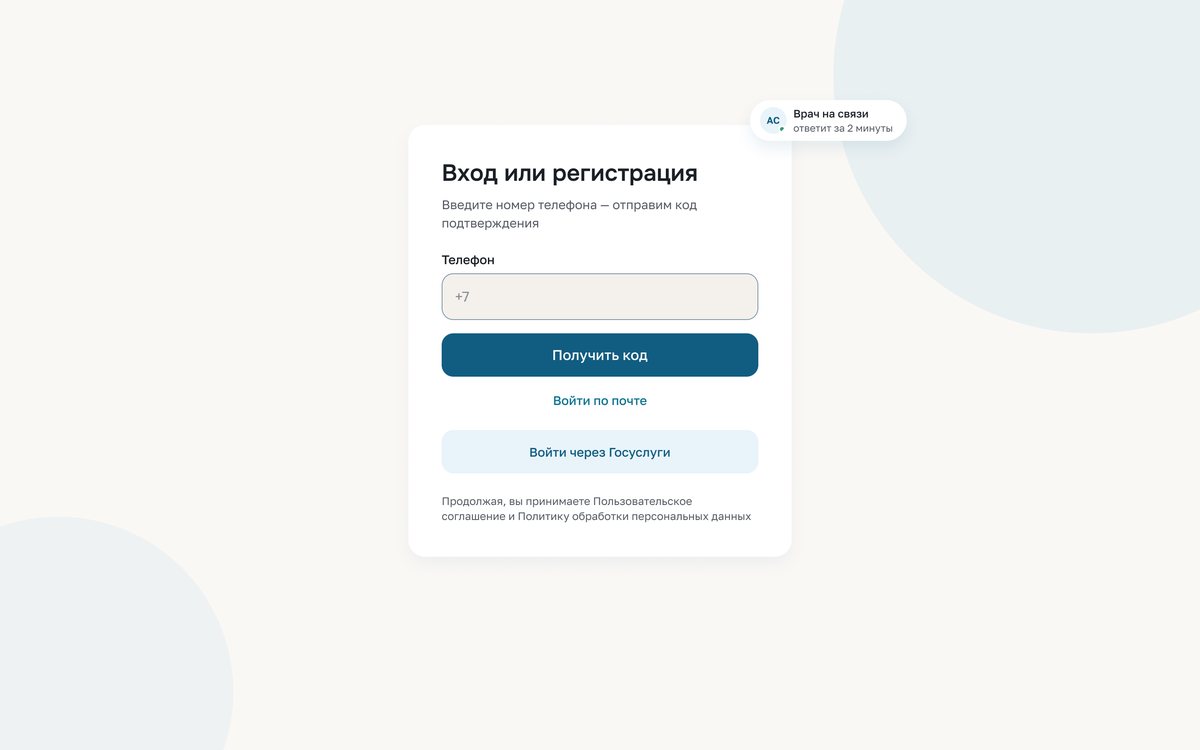
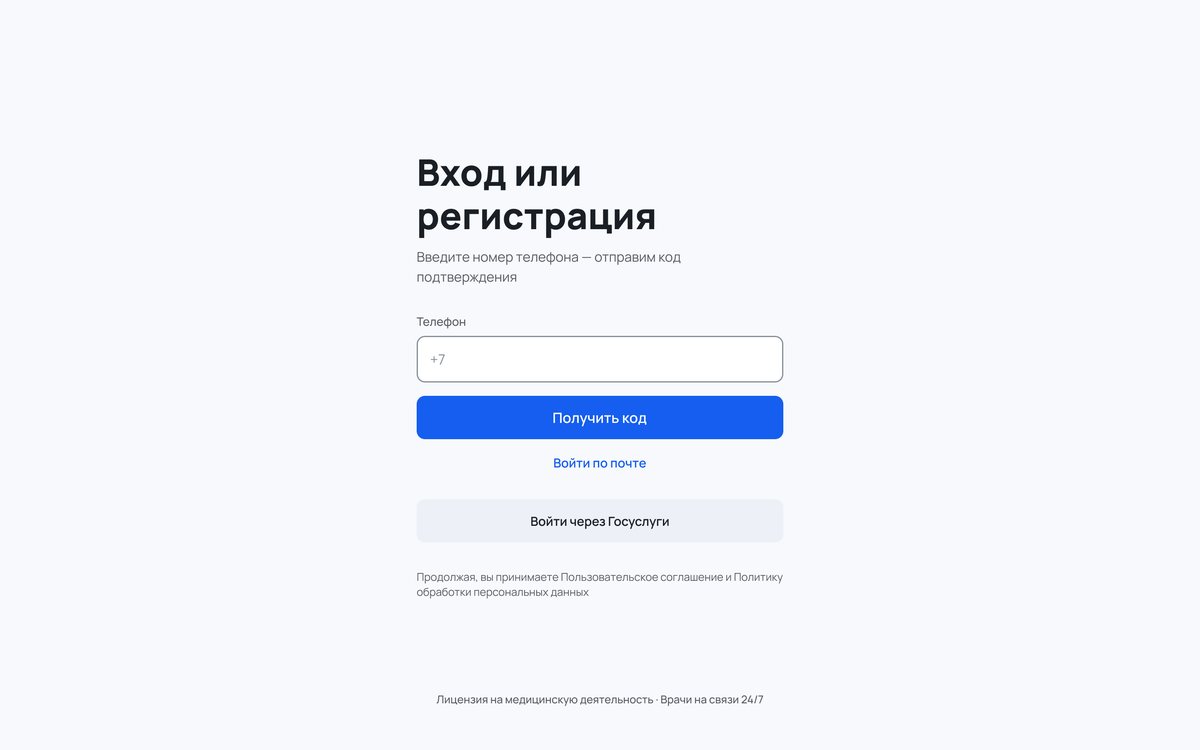
The same flow and the same colour and type roles, with different values, on mobile and on web.
The old palette failed WCAG AA, and the market splits into government blue and lifestyle teal. With one structure underneath, the same screens could be re-skinned and compared side by side.
The minimal direction, warmed up by soft clay illustrations; red is left for errors only.
Details
Sign-up, before and after: one long form becomes three short stages.
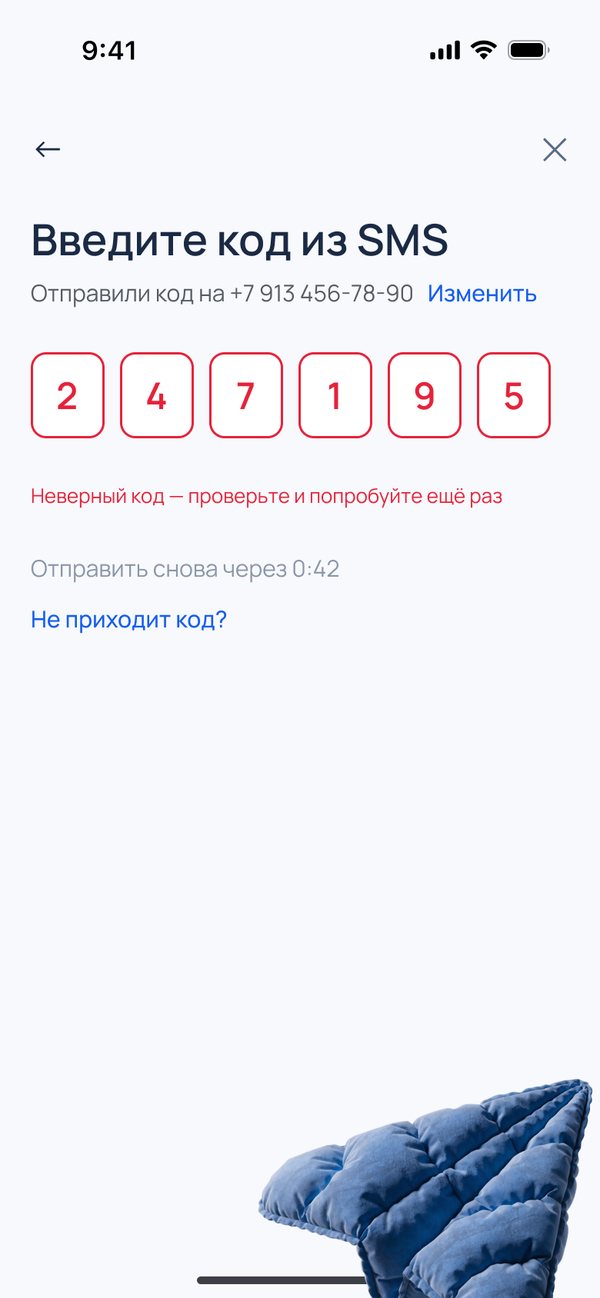
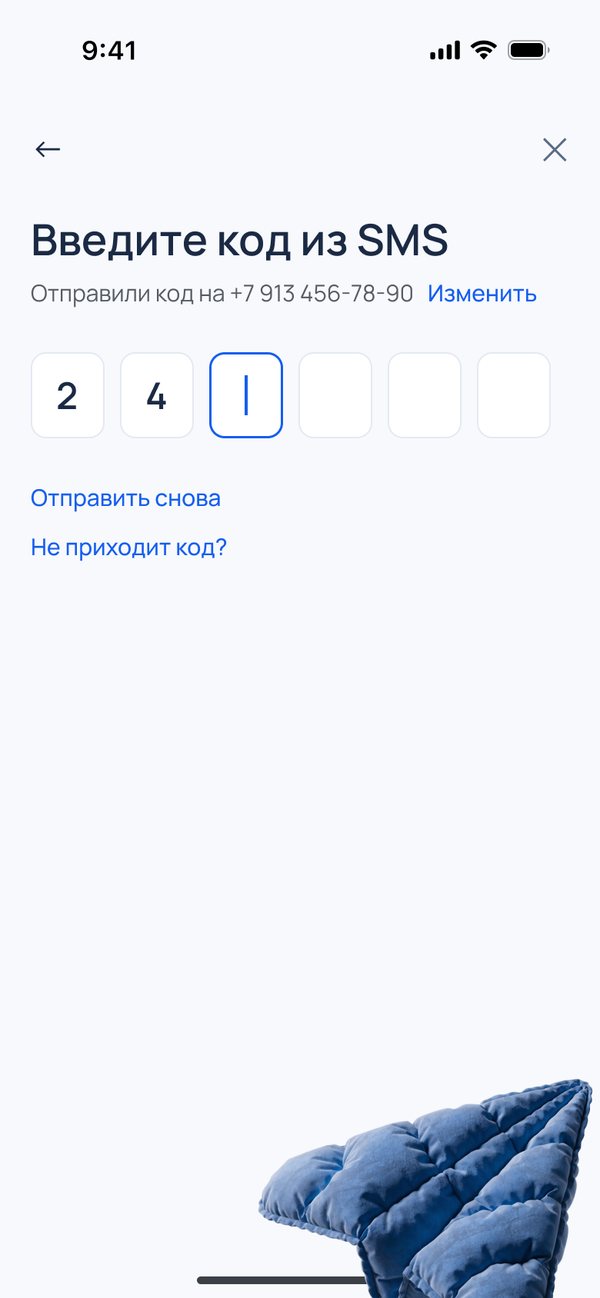
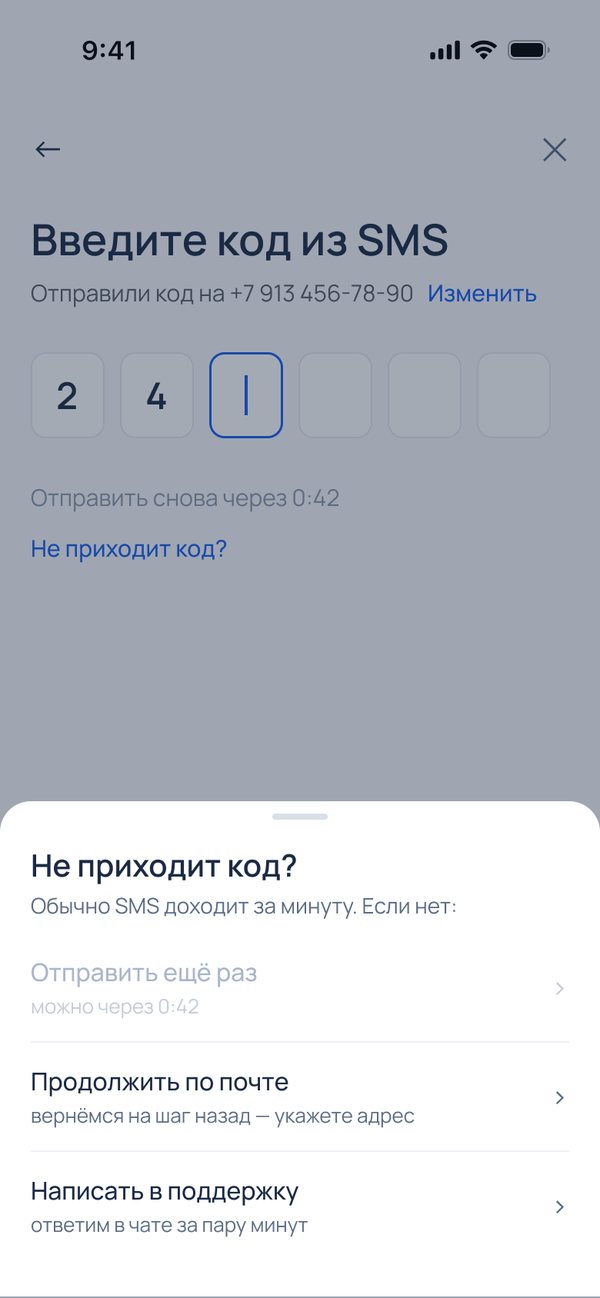
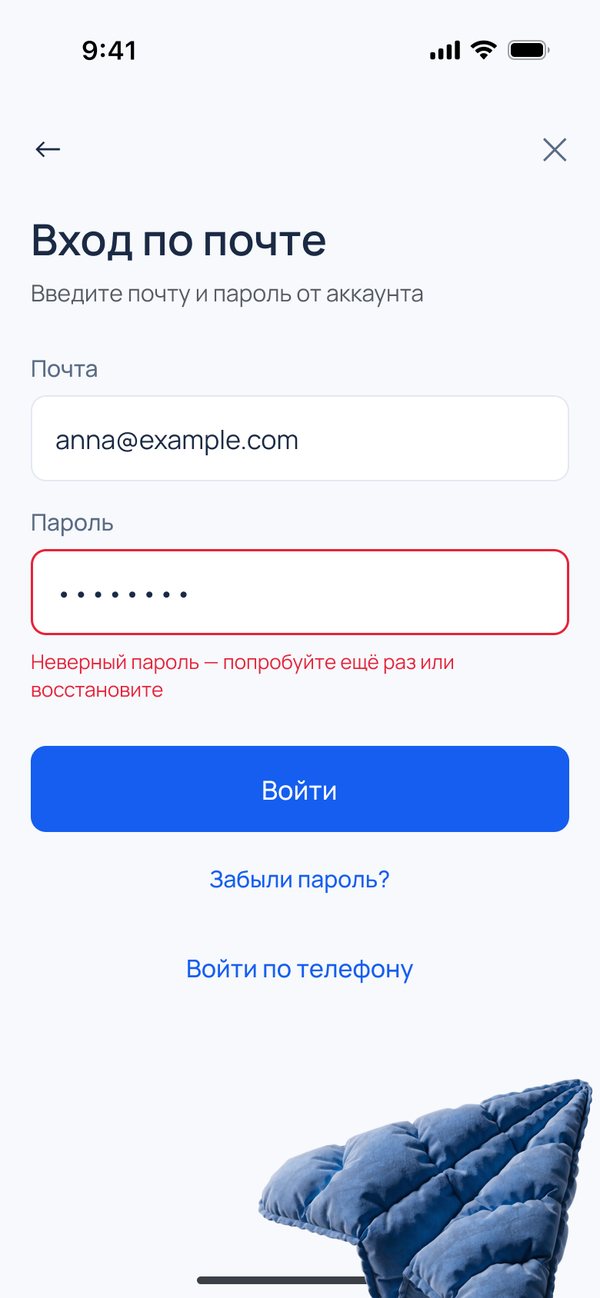
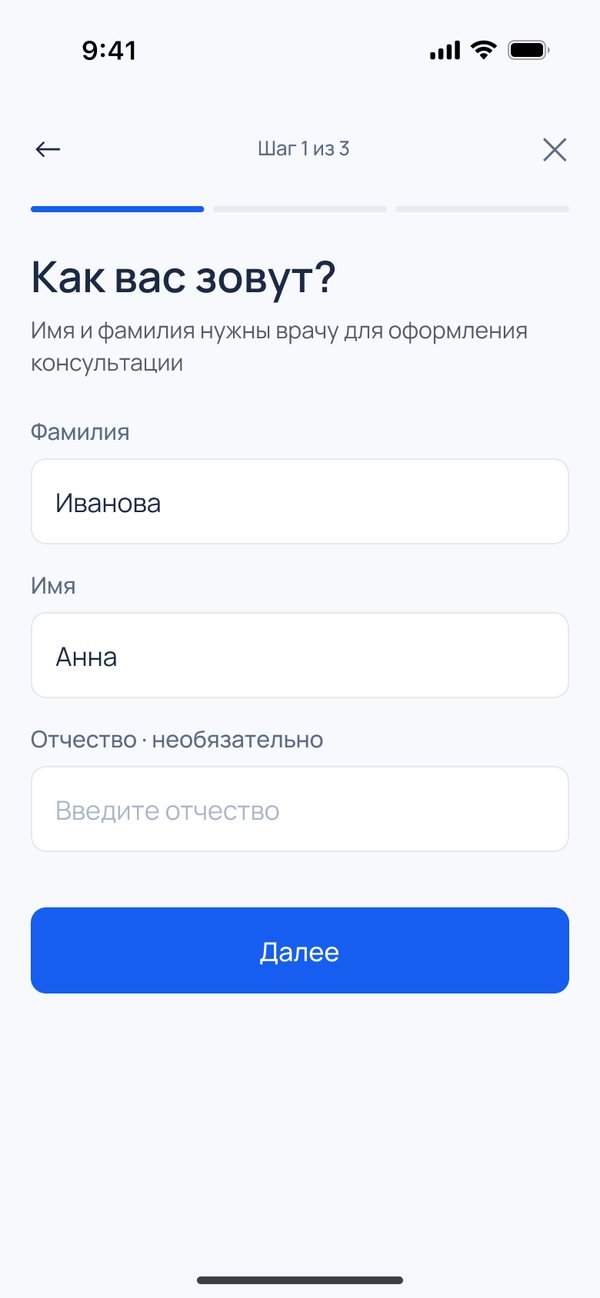
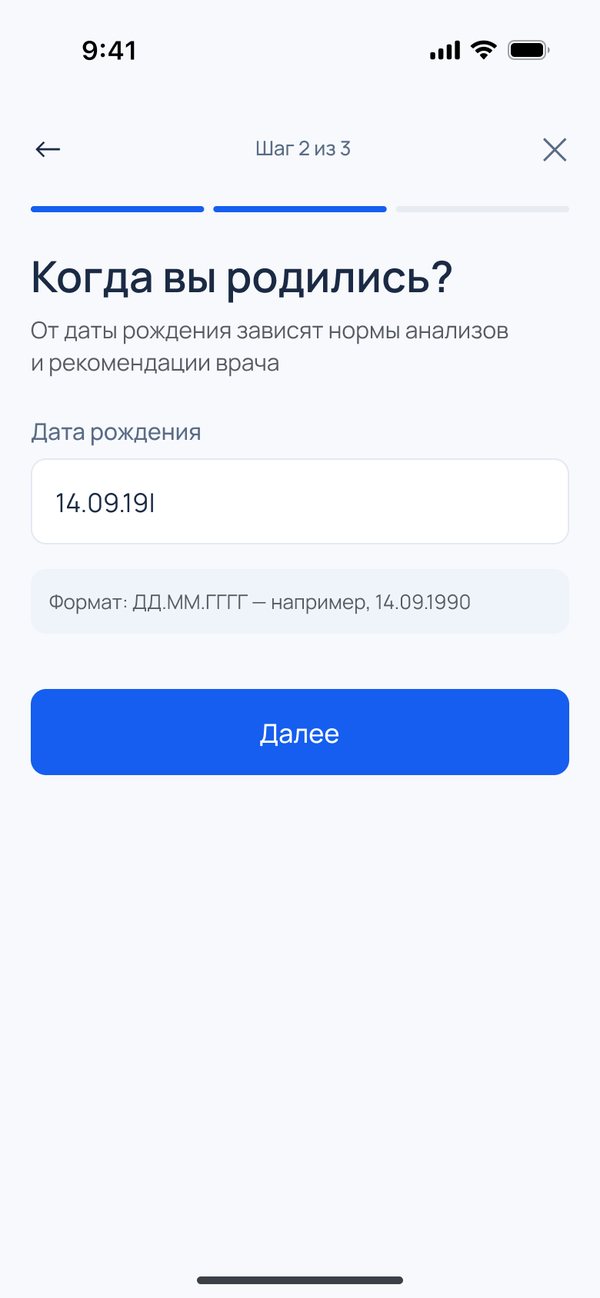
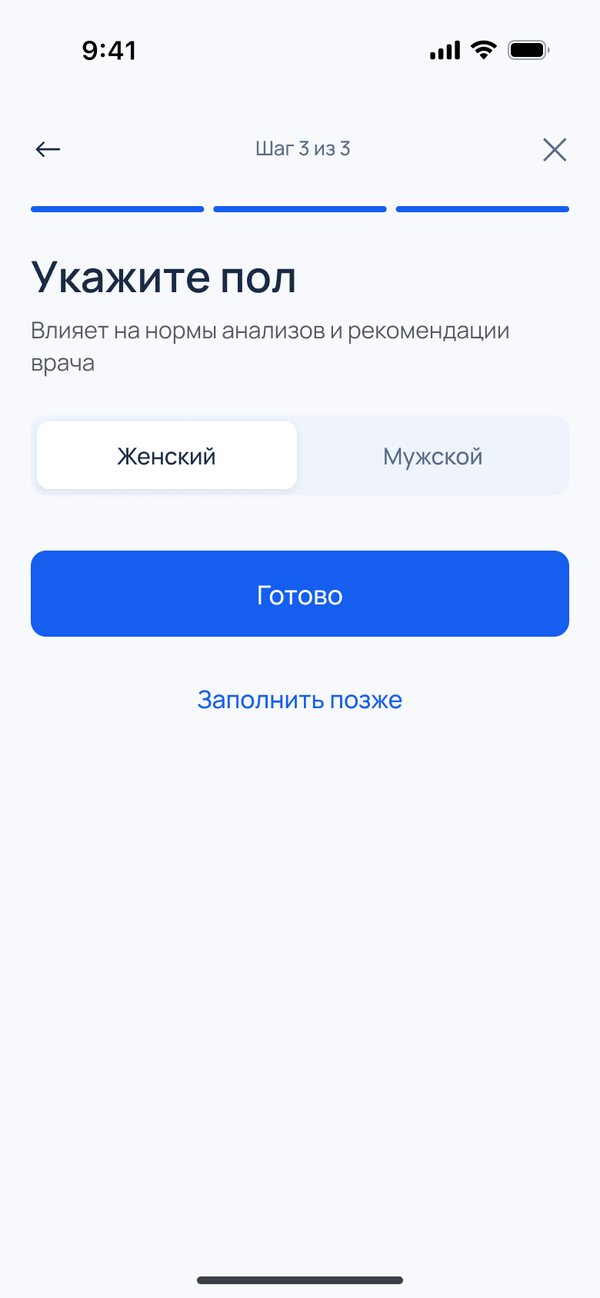
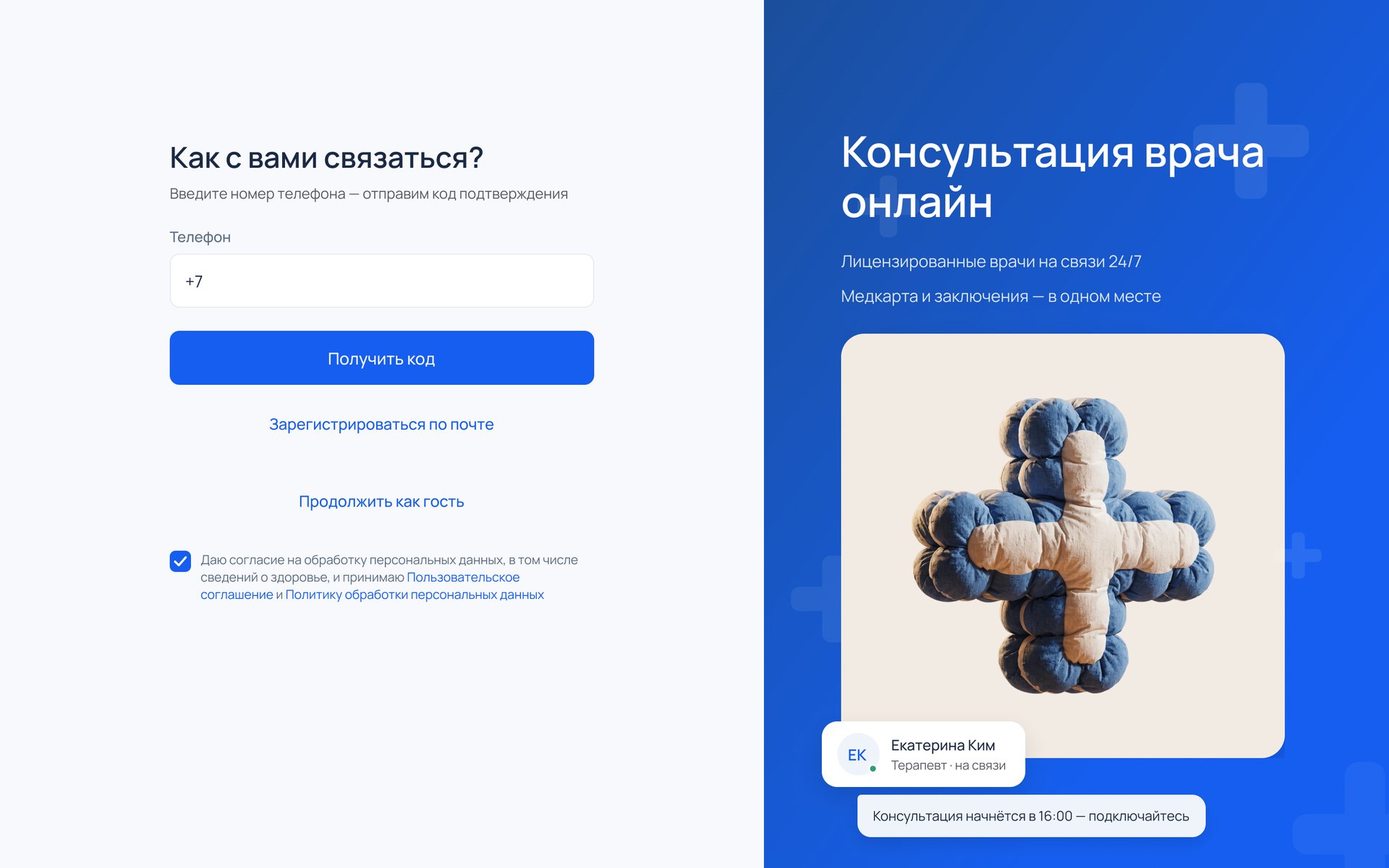
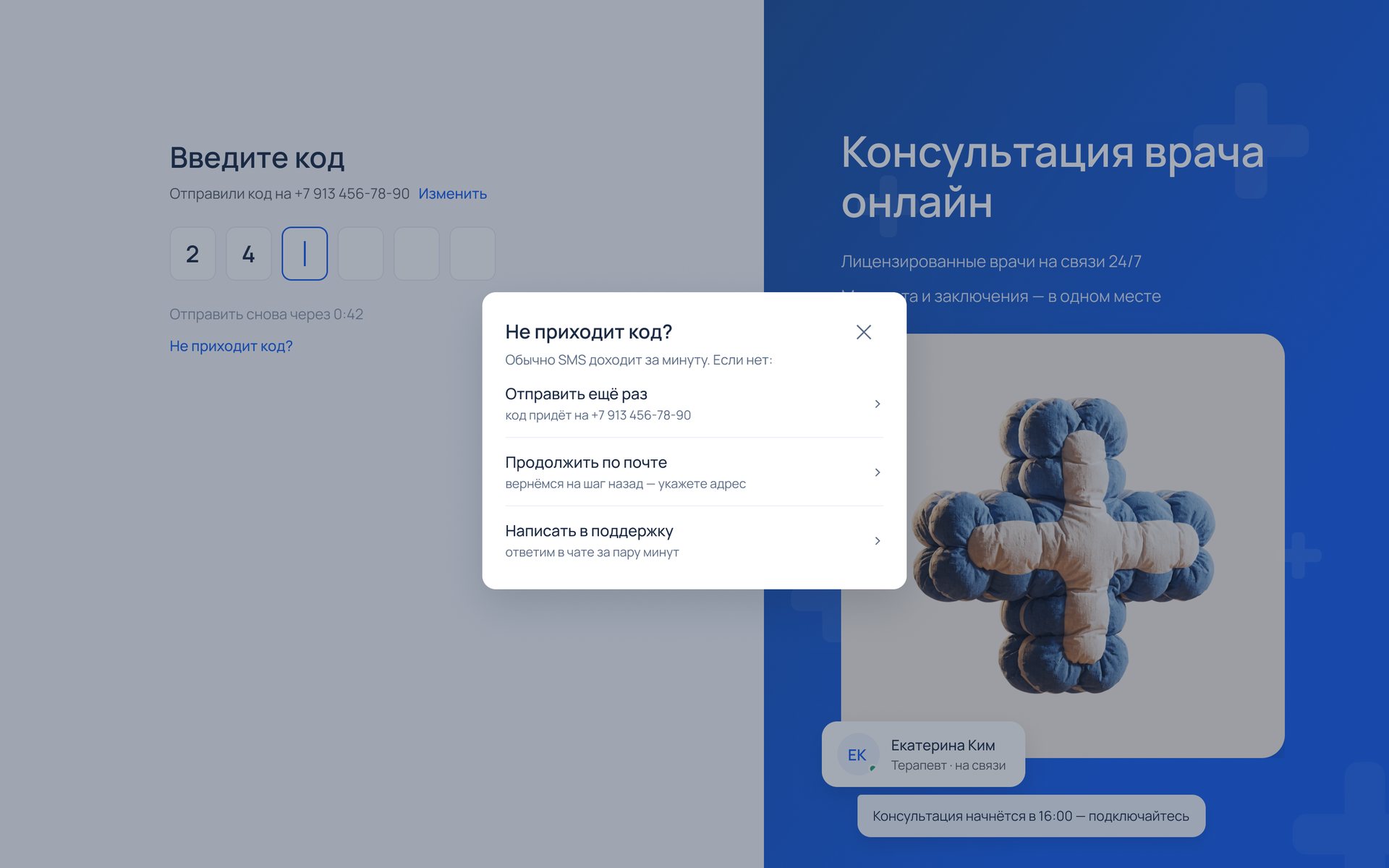
- A way out of every dead end. Resend after the timer, switch to email or write to support.
- Every profile question says why. Each one explains why the doctor needs it, and “Fill in later” lets a patient go straight to the service.
- Permissions lead with the benefit. “Don’t miss your consultation”, not “Allow notifications”.
- App and web. Components in both versions, and seven clickable scenarios in the prototype.
Working with AI
AI agents ran parallel research threads with a critic checking for gaps, built screens and components in Figma to my specs, and audited them. The illustrations came from a generation pipeline I art-directed. The flow, the look, the copy and every fix after review were my calls.
Results
No production numbers yet. Against the live product:
| Sign-up and sign-in | Before | After |
|---|---|---|
| Consent | at every login | once, at sign-up |
| SMS | at every phone login | on a new device only |
| Email sign-up | seven required fields on one screen | email, password and a code, then three short steps |
| Primary colour | fails WCAG AA | passes |
Takeaways
- The law is design material. The consent rules shaped this flow more than any pattern library did.
- Get the baseline before the first screen. Without funnel numbers, a redesign can show what changed but can’t prove that it worked.
The full case, with the research, the dropped directions and the component library, is behind a password, which is in my CV.